In the last two years more and more people have started to perceive Artificial Intelligence not as a shortcut, but as an ally in the preliminary phase of home design . The market responded by making available free tools capable of analyzing spaces, generating layout alternatives, simulating palettes and even identifying recurring errors in the …
In the last two years more and more people have started to perceive Artificial Intelligence not as a shortcut, but as an ally in the preliminary phase of home design . The market responded by making available free tools capable of analyzing spaces, generating layout alternatives, simulating palettes and even identifying recurring errors in the distribution of environments.
They are useful tools, accessible and – if used correctly – capable of making the client more aware and prepared.
However, it is essential to clarify one point: these tools do not replace the work of the designer .
The architect or interior designer is not an “image generator”, but a professional who decodes needs, knows materials, space orchestration, systems, regulations, durability, ergonomics. AI cannot replicate this complexity.
What it can do and this is where it becomes really interesting is help the client define a brief that is clearer, more complete and closer to the design language .
A generated moodboard, a suggested palette, a hypothetical layout or a preliminary simulation are not projects: they are starting points that allow the professional to work better, avoiding misunderstandings and shortening the distance between desire and feasibility.
AI, in short, does not take away space from human creativity: it amplifies it, if inserted in the right place in the process . And furnishing your home with free artificial intelligence tools does not mean replacing the designer, but arriving at the designer who is better prepared, more aware and closer to what you really want.
10 free AI tools that are really useful for furnishing your home (without replacing the designer)
More and more platforms are integrating functions based on Artificial Intelligence that can help those who are about to furnish or renovate their home. They are not professional software and cannot replace technical skills, but they work very well as preliminary tools : they allow you to explore ideas, test hypotheses, identify errors and arrive at the designer with a clearer and more aware brief.
Here are the 10 most useful free tools ones that offer real value , not entertainment.
1. 5D Planner (free version)
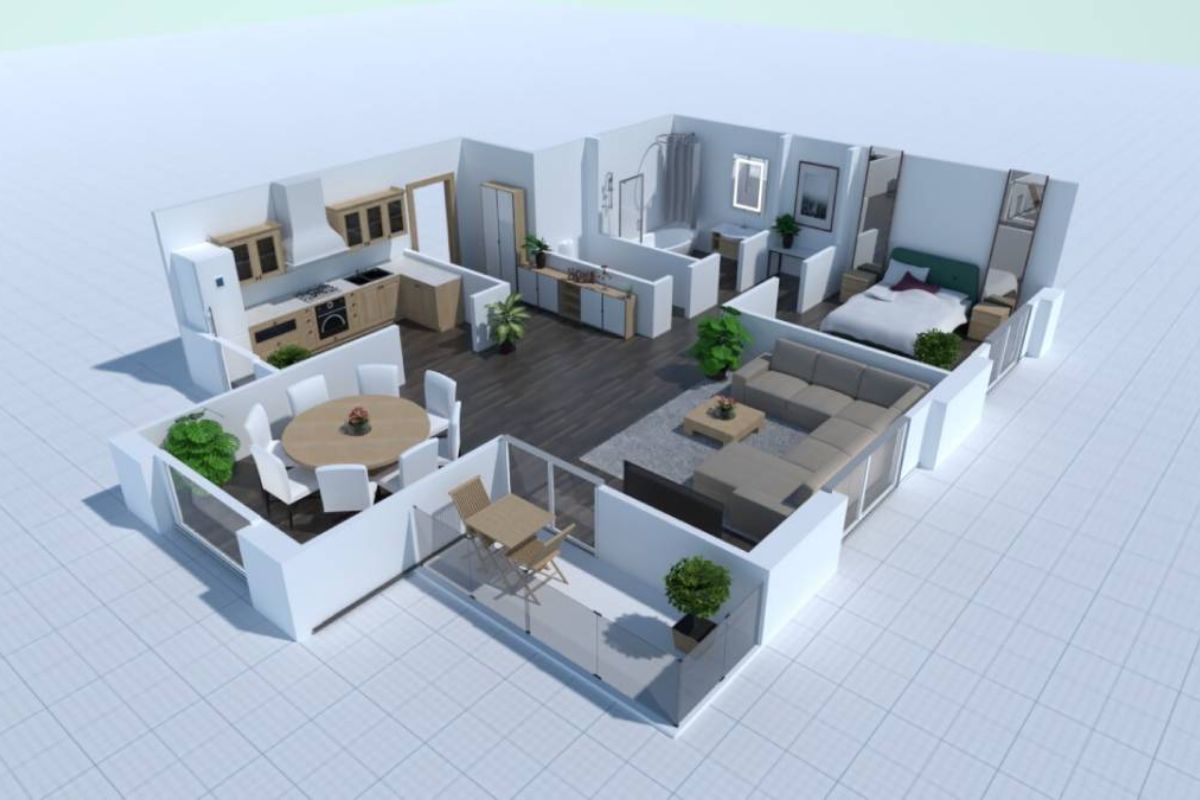
To create floor plans, volumes and basic layouts even without skills. Ideal for those who want to understand real dimensions and proportions.
2. Homestyler
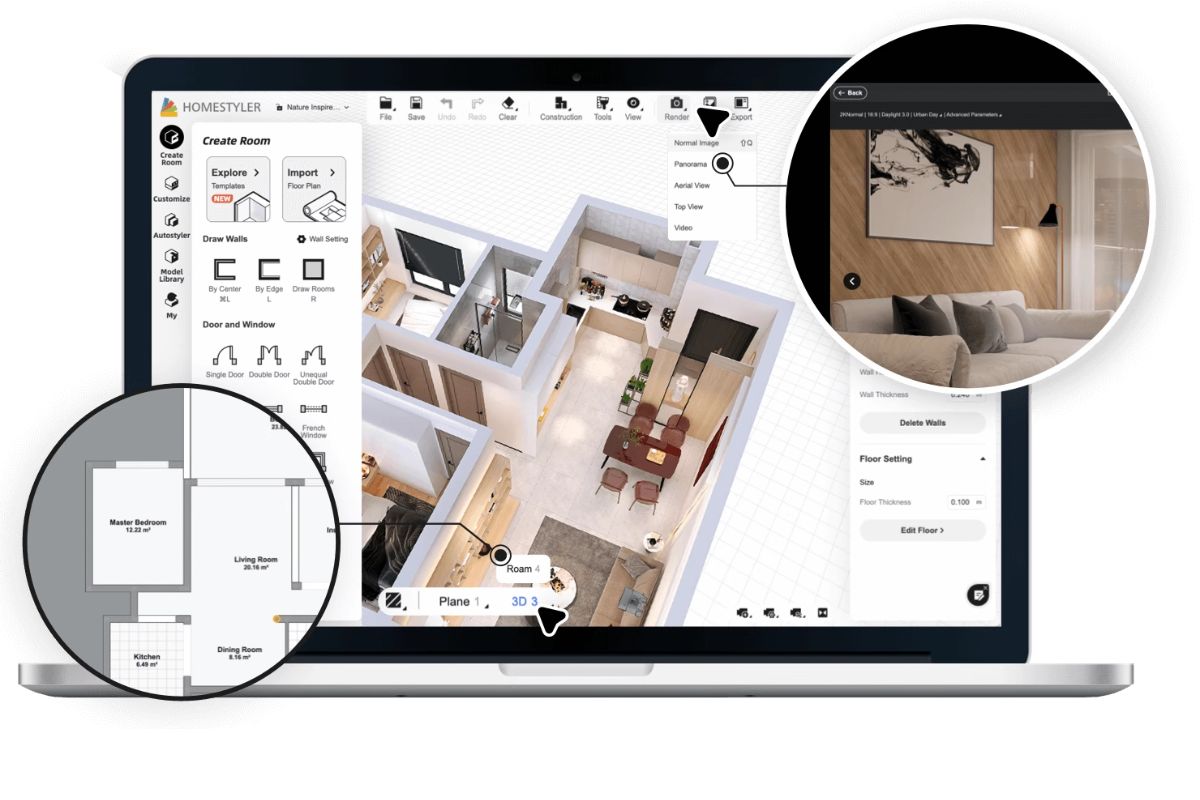
Great for quickly testing furniture alternatives and obtaining semi-realistic visualizations. Useful for checking whether an idea “holds up”.
3. RoomGPT
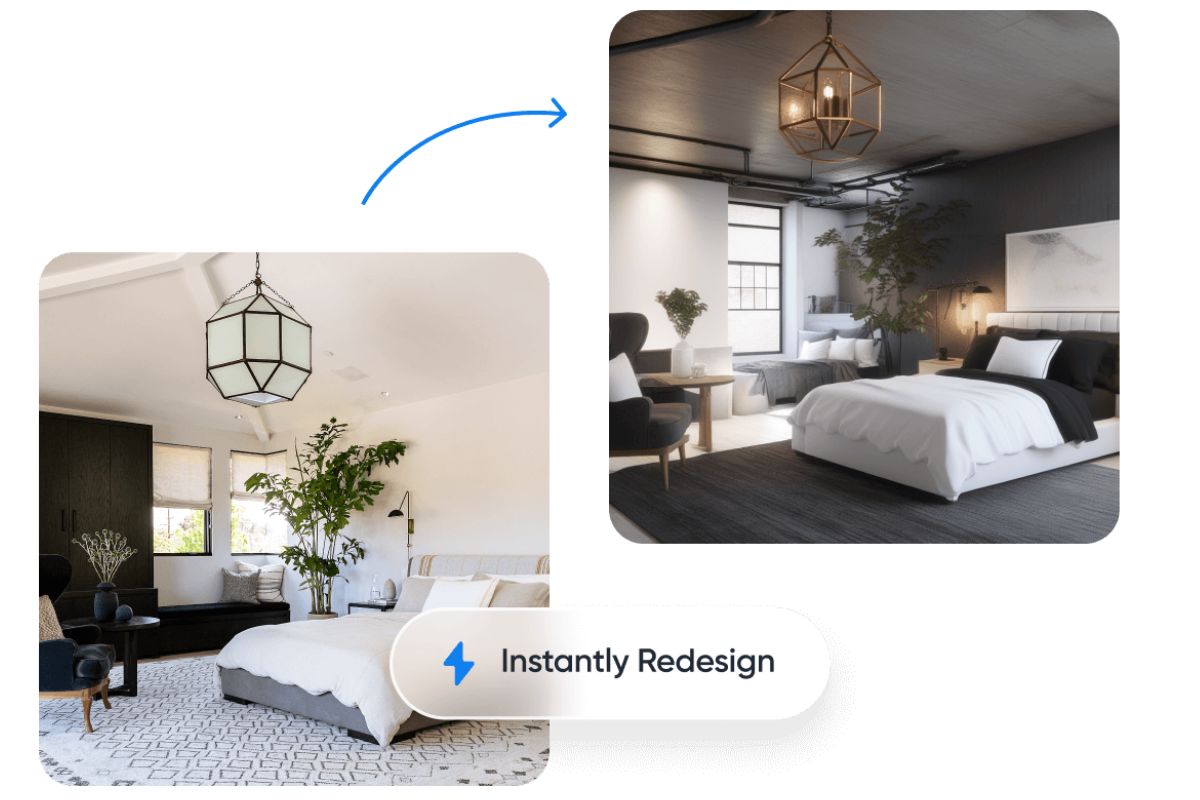
Generate style variations on the same room. It does not replace a project, but helps clarify aesthetic preferences.
4. Reroom.it
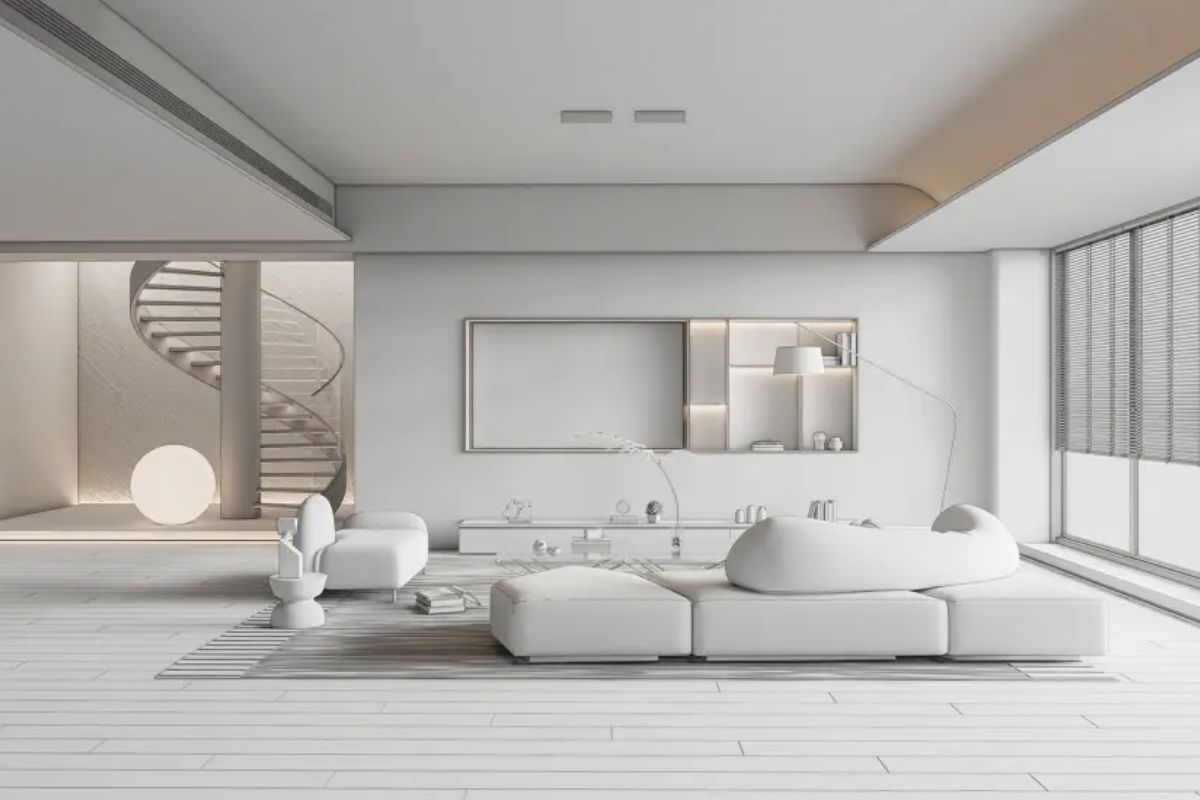
Perfect for exploring moods and atmospheres. To be used only as a visual reference, not as a workable render.
5. IKEA Kreativ
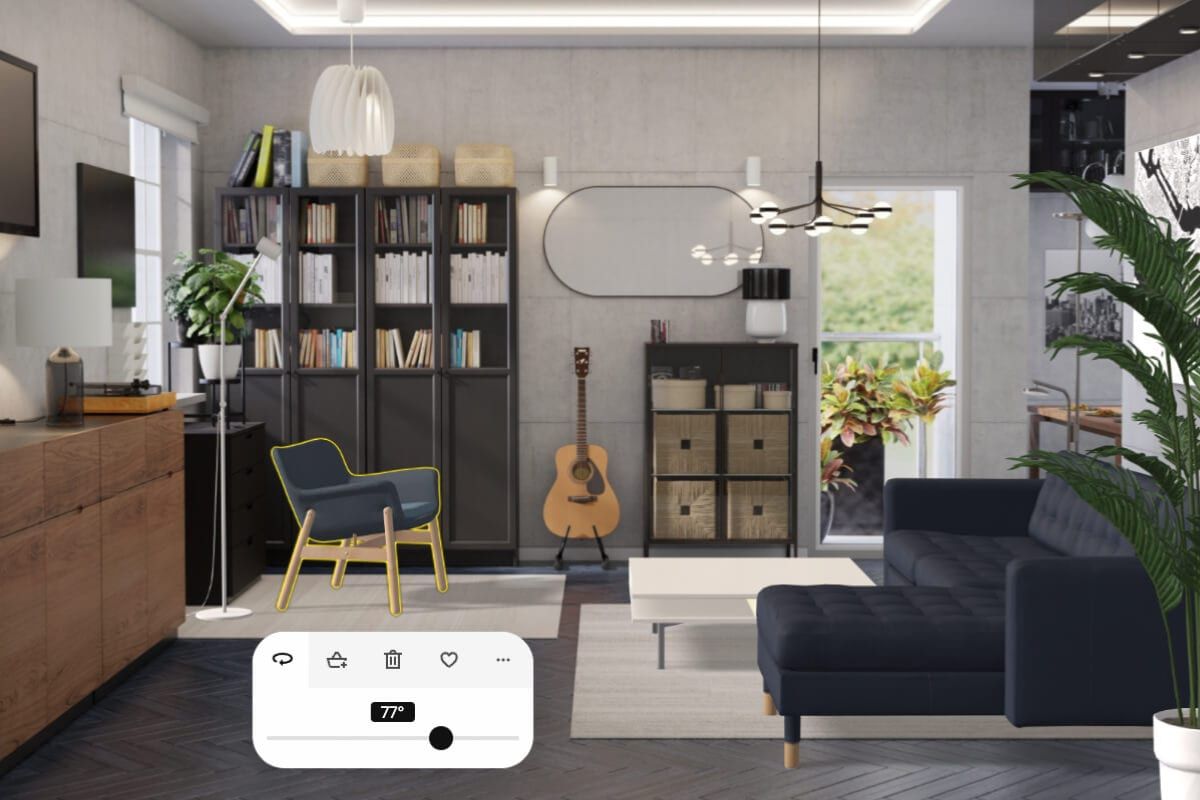
It scans the room and allows you to try furniture in real scale. Uvery useful for understanding proportions and dimensions.
6. Canva AI Image Generator
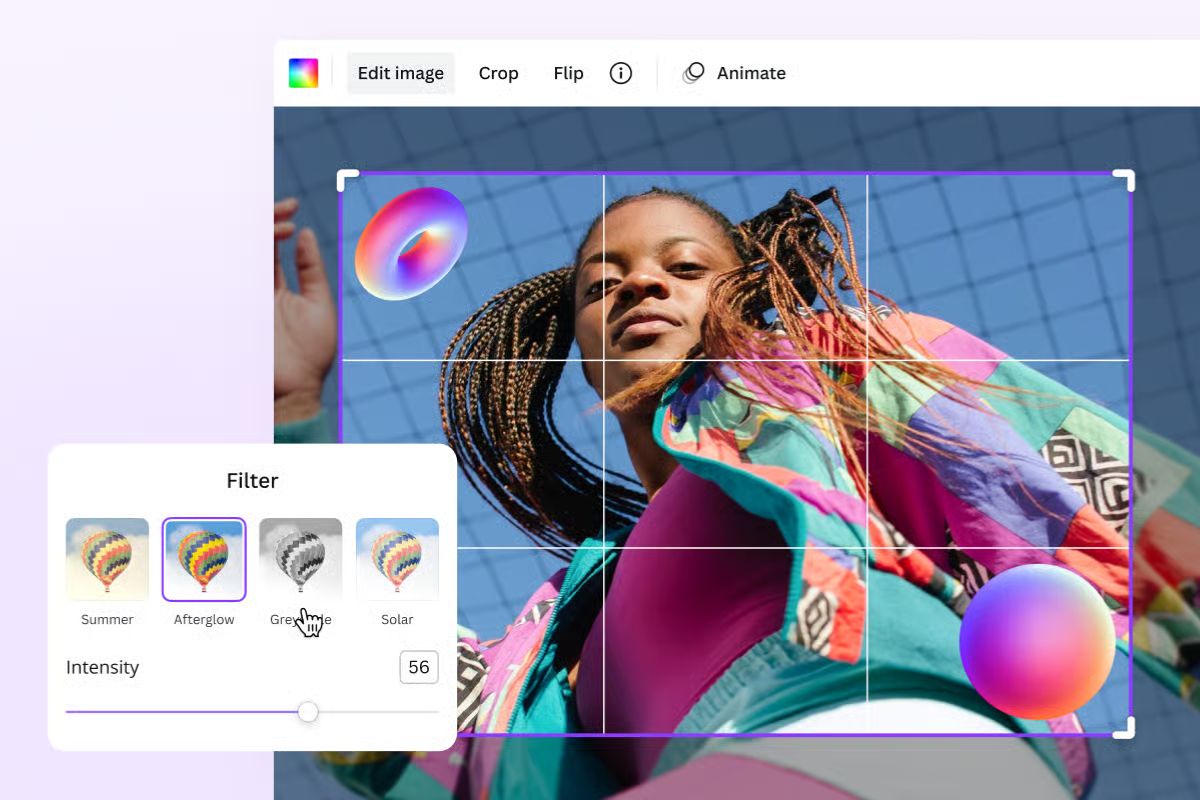
To create coherent mood boards, palettes and aesthetic simulations. A great tool for building a clear brief.
7. Foyr Neo (limited free version)
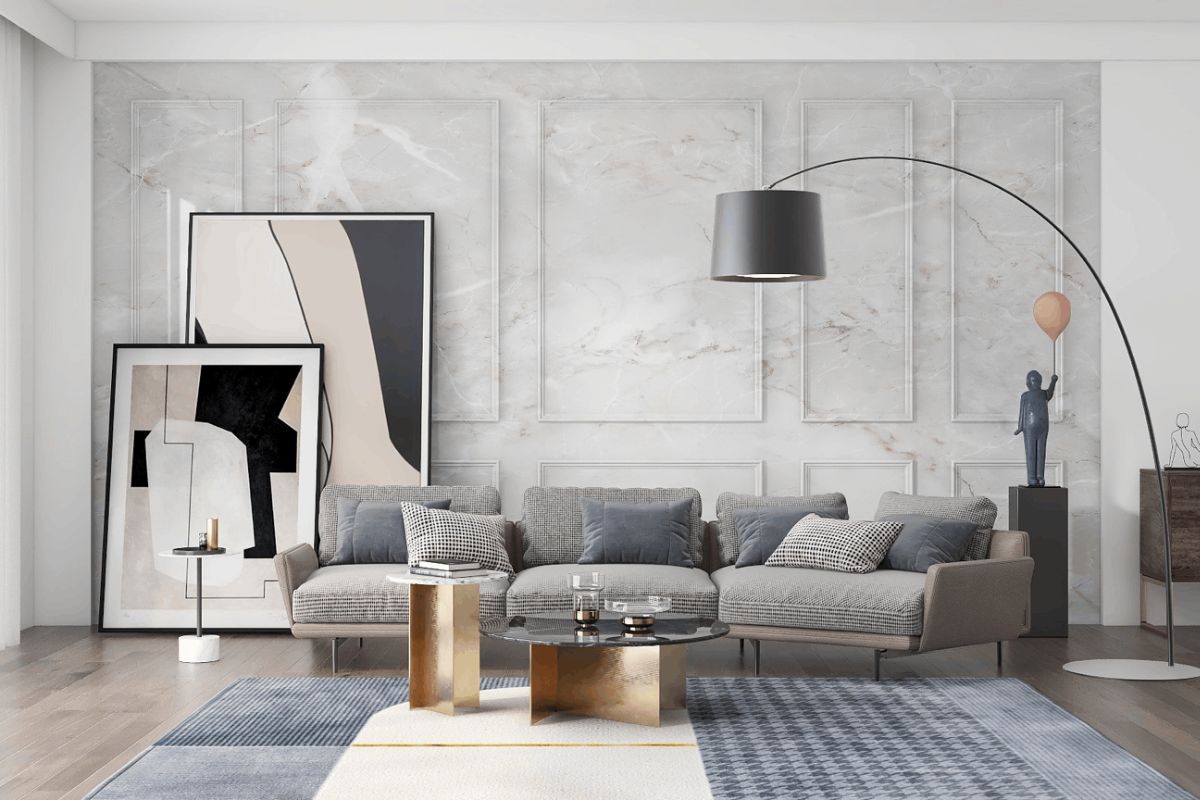
Allows you to test layouts and materials in a simple and intuitive way.
8. Google Gemini / ChatGPT
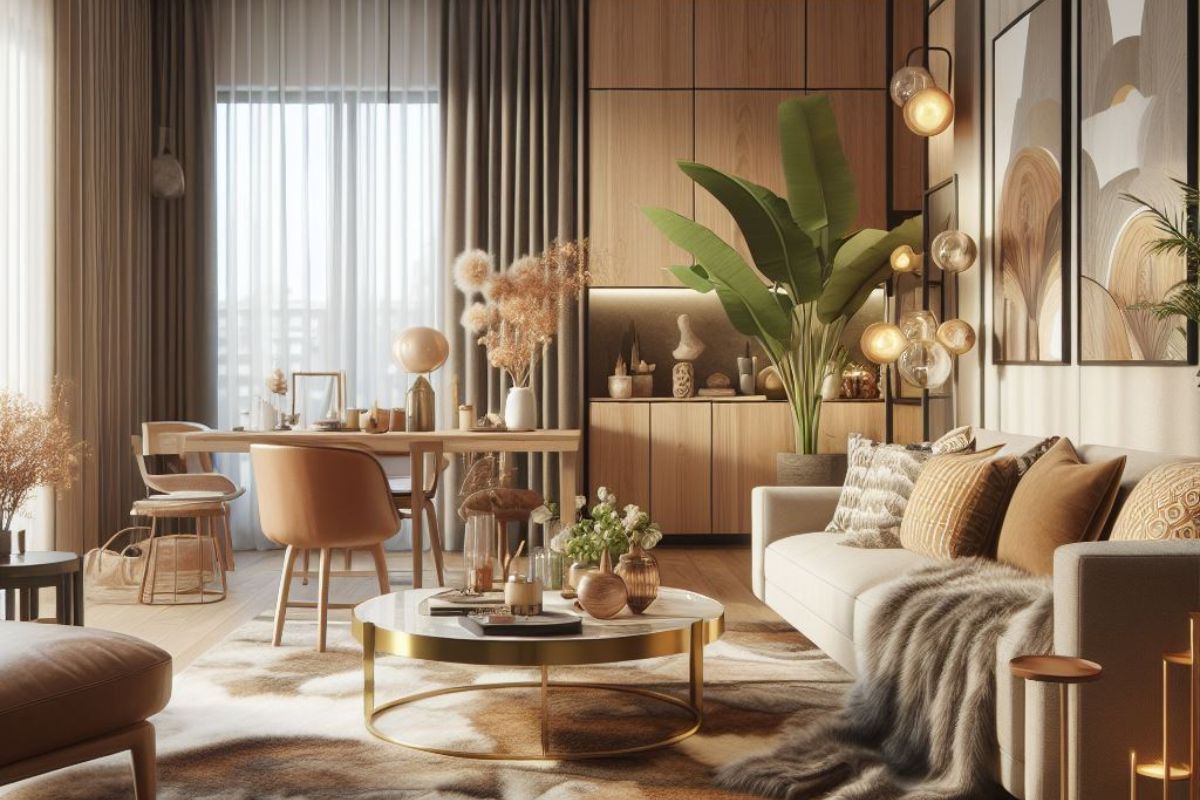
To analyze the floor plan, evaluate layout alternatives, and receive preliminary design suggestions based on ergonomics.
9. Magicplan (free)
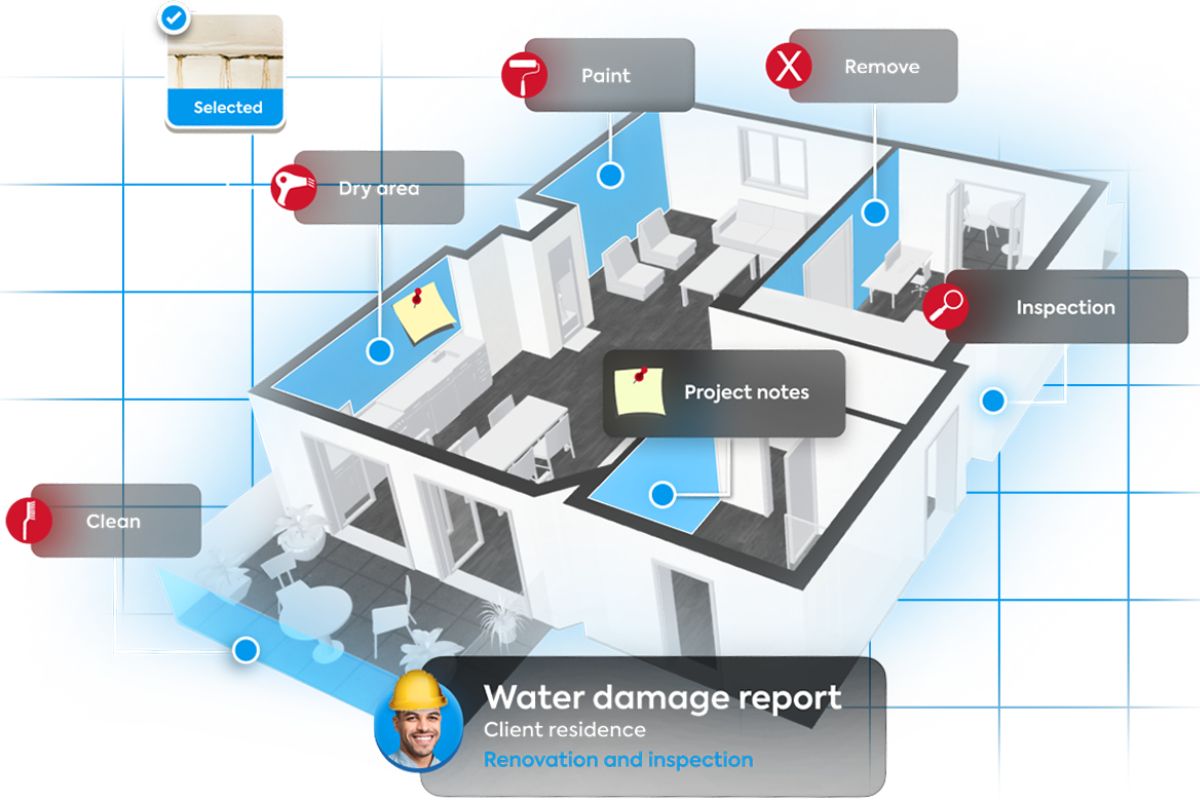
Create precise floor plans with your phone and share correct measurements with the designer.
10. Colorcinch / Coolors
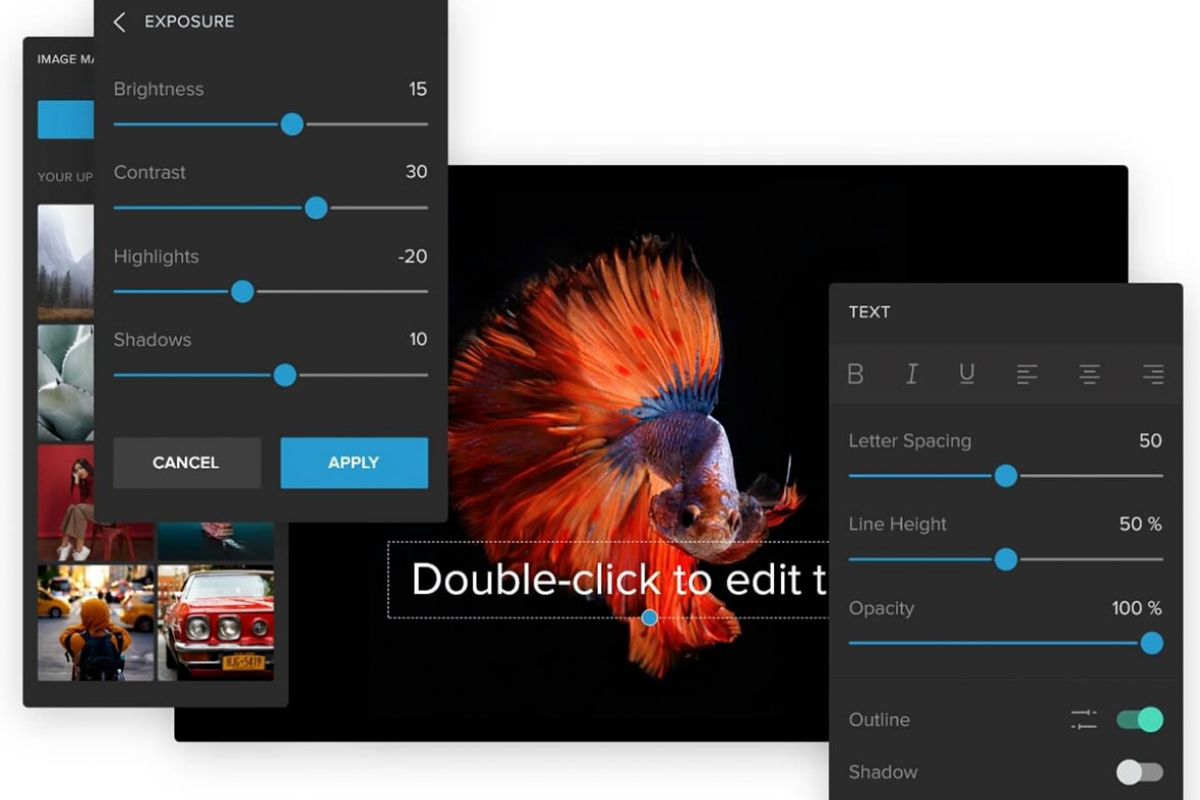
To generate harmonious color palettes, useful for defining a visual language before talking about it with a designer.
How to actually use these apps without making mistakes (the guide that avoids design disasters)
Most errors do not arise from the app, but from the way it is used .
Free AI platforms can become valuable tools only if some key principles are followed, the same ones that a designer naturally applies: measurements, proportions, functionality, light, paths, ergonomics. Here’s how to use them well , avoiding the most common traps.
1. Start from real measurements, not from apps
90% of bad projects arise from wrong measurements.
-
Measure by hand or use Magicplan to generate an accurate floor plan.
-
Always insert height , position of doors and windows , sashes , radiators , pillars , drains .
Apps can’t guess what you don’t say.
2. Do not take the generated images as render executables
Many users fall in love with the image, not the solution.
Key tip:
Consider each AI image as possible scenario , NOT as a final proposal.
The proportions are often incorrect, the finishes do not exist, the colors do not correspond to reality.
3. Ask the AI to verify functionality, not just aesthetics
AI tools are very powerful for analyzing:
-
passages too narrow,
-
congested areas,
-
oversized furniture,
-
poor ergonomics,
-
impractical layouts.
Very useful example:
Evaluate the functionality of this layout and tell me about critical issues and alternatives.
Result: you avoid mistakes that cost time and money.
4. Generate alternatives, not just onelution
The strength of AI is not to give you the answer, but to show different scenarios .
You can ask:
-
minimal solution,
-
hotter solution,
-
solution with maximum capacity,
-
solution with smoother steps.
More alternatives ? best brief ? best project from the professional.
5. Leverage AI to clarify aesthetic preferences
Before going to an interior designer, have:
-
light palettes,
-
moodboard,
-
images of reference environments,
-
favorite materials,
-
styles NO (even more useful!).
allows the designer to understand you immediately. AI serves precisely this: to build aesthetic awareness .
6. Use AI to set a realistic budget
Most apps also allow you to estimate:
-
average cost of materials,
-
differences between solutions,
-
spending range per room.
The client who comes to the designer with a reasonable budget already starts with a step forward.
7. Don’t design light with AI: ask it for principles, not solutions
The light generated by apps is almost always wrong.
Ask instead:
-
how to correctly illuminate a living room to the north,
-
how many light sources are needed,
-
where NOT to put lights,
-
difference between direct and indirect light,
-
common mistakes in bathrooms or kitchens.
AI is good at explanations , not bright images.
8. Finally: always do a technical CHECK with the AI before proceeding
Use ChatGPT or Gemini like this:
Here is the plan and layout: tell me potential technical and plant problems.
AI can point out sensitive points that you hadn’t considered. This step is very useful before meeting the designer – because you are already aware of the critical areas.
The objective is not to “design on your own”, but to be prepared for the dialogue with the interior designer.
AI gives you what most customers lack:
vision, alternatives, awareness and a design language closer to the professional one.
The end result is always the same: a better project, faster and more centered on your real needs.
10 smart prompts to get really useful results (not useless images)
The real difference is not made by the app, but by the question you ask . Here are the best prompts for otkeep real design answers, don’t make them unreal.
1. Analyze this floor plan and suggest 3 different layouts, explaining the pros and cons of each.
Great for avoiding single vision and for comparing approaches.
2. Identify the functional critical issues of my layout and propose technical solutions.
Very useful in the bathroom, kitchen and living room.
3. Suggest the minimum distance between these furnishings according to ergonomics.
Perfect for not making mistakes in proportions and transitions.
4. Generate a consistent palette based on the north/south exposure of the room.
Avoid wrong color combinations based on light.
5. Give me 4 moodboard alternatives consistent with style X, avoiding these colors/materials.
It serves to define the NOs, which are as fundamental as the yeses.
6. ‘What materials do you recommend for this room taking into account wear and tear, cleanliness and budget?’
It helps not to choose just “for aesthetics”.
7. Simulate how the room would change with X changes, evaluating the advantages and disadvantages.
To test risk-free scenarios.
8. Give me 3 layouts that maximize containment without sacrificing aesthetics.
Perfect for small rooms and kitchens.
9. What mistakes could I make by choosing this piece of furniture or this arrangement?
Extremely powerful prompt: AI anticipates frequent problems.
10. ‘Turn these images I like into a concise description of my style.’
It serves to translate visual tastes into a real design brief.
Most common mistakes made by those who furnish homes with AI (and how to avoid them)
AI can really help a lot, but it can also generate false certainties . Here are the most common mistakes and how to easily avoid them.
1. Fall in love with the image, not the solution
AI outputs are perfect only in appearance. Avoid the mistake by always asking:
Is it achievable with real materials and measurements?
2. Ignoring technical measures (doors, radiators, pillars, attachments)
Apps don’t understand them. Measure yourself and always declare them.
3. Not checking the aspect ratio
A 10-foot sofa in a 14-foot living room seems perfect until it gets home. Always ask for a proportional verification.
4. Use AI as a decorator rather than as an analyst
Its power lies in the analyses, not in the renderings. Ask about layout, critical issues, ergonomics.
5. Create 10 ideas and choose none
AI generates infinite alternatives: choose a direction and consolidate it.
6. Restructure based on unattainable images
Light effects, impossible coverings, spaces that don’t exist. Always ask:
Only suggest re solutions to meachievable with existing materials.
7. Ignoring the budget
Many AI tools do not consider cost. Always ask for a comparative estimate.
8. Thinking that AI can replace the designer
Huge mistake. AI helps the preliminary phase, not the technical design.
9. Use different styles for each room
AI does not know architectural coherence. You impose it by asking:
Generate solutions consistent with the style already defined for the living area.
10. Not having the project verified by a professional
The AI does not see the electrical system, the slopes, the drains, the regulations. Human control is always needed.