Choosing the color of a home’s exterior is much more delicate than it may seem. One shade can visually lighten the volumes, make the overall look more elegant, enhance the trim, and work beautifully with the surrounding setting. Another, on the other hand, can flatten the facade, make the architecture feel heavier, or create contrasts that do not feel balanced at all. That is why, before buying paint or exterior finishes, it makes sense to test the result in a more realistic way.
Today, there are several free apps designed to do exactly that. They let you upload a real photo of your house, try out different colors, and get a clearer sense of which option may actually work. Some are simple and immediate, while others offer more advanced tools to help you think more carefully about the facade, architectural details, and color combinations. In this guide, you will find a selection of the most useful tools to try, whether you are planning a full home renovation or simply considering a refresh, so you can move toward a more confident final choice.
Which app should you choose to test your home’s exterior color?
The answer depends on what you actually need. Some people want a quick and intuitive tool to compare two or three shades and get an instant impression. Others prefer something more precise, able to work directly on a real photo and produce a simulation that feels as close as possible to the final result.
In these cases, the real difference is not just the color catalog. What also matters is the ability to read the exterior as a whole: walls, trim, shutters, roof, balconies, light exposure, and materials. A good exterior house color visualizer helps with exactly that. It reduces the margin of error and turns a vague idea into a more informed decision.
The best free apps to visualize your house exterior color
Not every tool available online is actually useful when it comes to facades. Some are designed mainly for interiors, others work only as a generic color test, and some are more interesting because they let you work directly on an image of your own home.
The apps below are among the most convincing options for anyone who wants to do a real test before making a decision. Some focus on simplicity, while others offer a richer experience, but all of them can help you understand whether a light, warm, neutral, or bolder shade is truly right for your home’s exterior.
1. Baumit Life App
Baumit Life App is one of the most interesting tools to start with because it was clearly developed with facades in mind. The process is straightforward: you upload a photo of your house and begin trying different shades, so you can immediately see what kind of atmosphere emerges and which colors actually improve the overall composition.
Its main strength lies in that focus. It does not feel like a simple visual game, but rather like a useful tool for thinking about the exterior as part of a larger balance. When you look at a facade this way, the goal is not just to choose a pleasing color, but to understand whether that color supports the building’s volumes, visually lightens the structure, or works well with the surrounding environment.
It is a strong option for anyone who wants a quick, practical, and highly exterior-focused test. The limitation is the one common to brand-based tools: the comparison stays within that company’s color system. Still, as a serious starting point, it remains one of the most relevant apps to try.
2. Caparol SPECTRUM_mobile
Caparol SPECTRUM_mobile is a more structured tool, suitable for those who want to go a step beyond a quick simulation. It lets you work with real images, test different shades, and view color in a more organized way, with an approach that can also be useful when you want to think more carefully about the details.
Compared to more immediate tools, this one offers a richer set of features. That is an advantage for anyone who likes to compare several options calmly, but it can become a small obstacle for users who simply want an instant, highly intuitive test.
Even so, it is a solid solution, especially if you are looking for something less basic and a bit closer to a design-oriented workflow, while still remaining accessible.
3. Sherwin-Williams Color Visualizer
Sherwin-Williams Color Visualizer is one of the best-known and most appreciated tools because it offers a good balance between ease of use and visual clarity. The ability to start from a photo and virtually apply color makes it much easier to understand whether a specific shade could actually work on the exterior of your home.
One of its most useful qualities is that it allows you to compare different options without forcing you through overly technical steps. That makes it especially helpful if you want to understand, for example, whether a pale exterior may look too flat or whether a fuller, more saturated color could do a better job of highlighting trim, frames, and exterior details.
Again, because it is tied to a specific brand, the color system is based on that company’s palette. Still, as a visual test, it remains one of the most convincing options, especially for those who want something simple but not superficial.
4. Benjamin Moore Color Portfolio
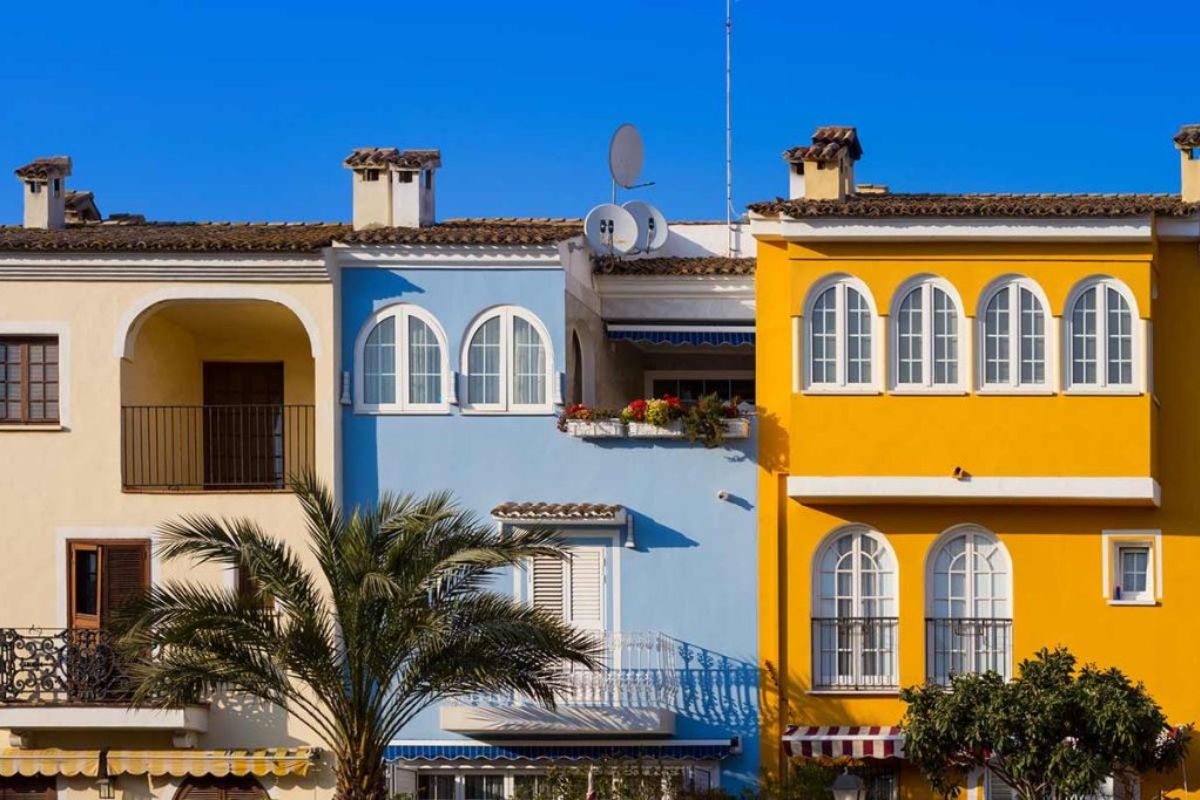
Benjamin Moore Color Portfolio is a very useful solution for anyone who wants to work from real images rather than generic sample environments. The app makes it easier to think more precisely about how a color may perform, and it can also help when you are starting from a shade seen elsewhere and want to find something similar.
That is perhaps its greatest advantage: it helps turn an intuition into a more concrete visual check. If you have a warm gray, a soft white, or an earthy tone in mind, you can better understand whether that idea truly holds up on your home or whether, once applied to the exterior, it loses balance.
It is helpful not only for quick tests, but also for comparing palettes and subtle variations with more attention. As always, a digital simulation does not fully replace a real-world sample, but it is extremely useful for making a first smart selection.
5. PPG Paint Color Visualizer
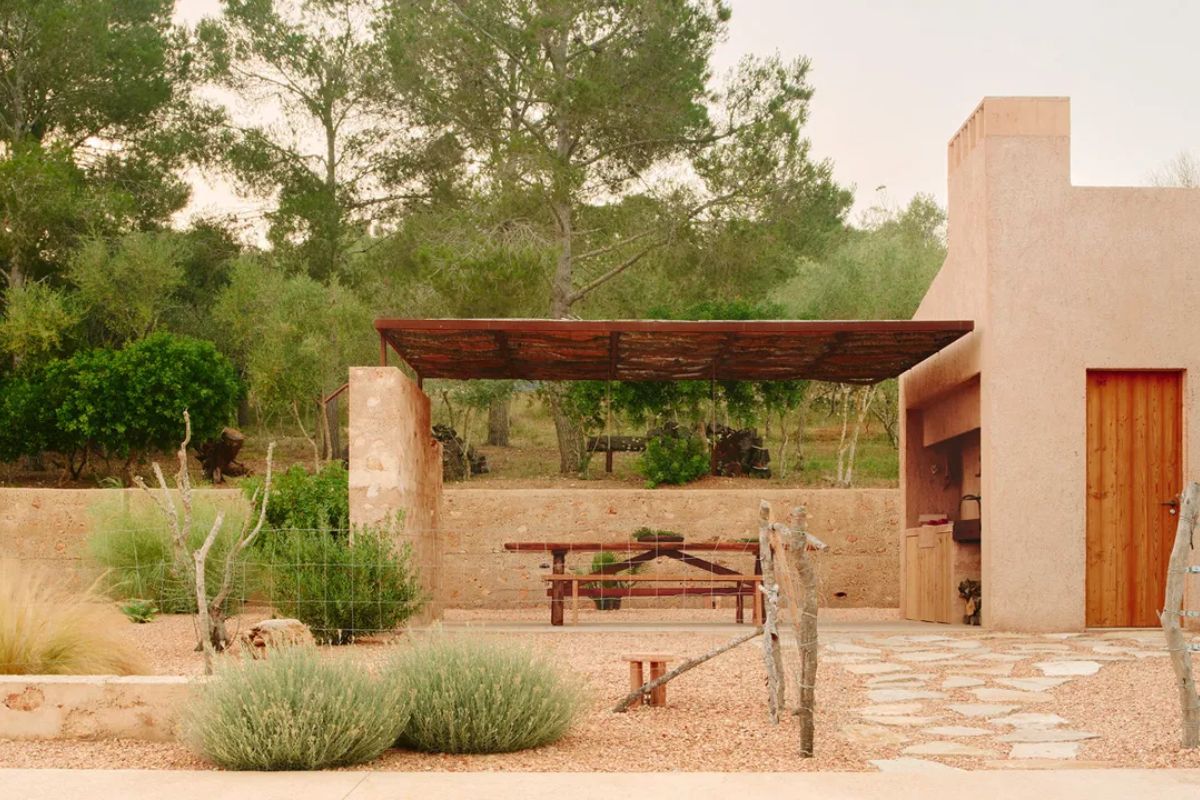
PPG Paint Color Visualizer is especially useful for people who want to get to the point without too many steps. Its strength is practicality: upload the photo, try the colors, and immediately start getting a sense of how the facade might change.
It works particularly well when the question is very practical: is a warm tone better, or a more neutral one? Should you stay light, or try a stronger contrast? In situations like these, a simulation helps you see right away what would otherwise remain abstract if you were only looking at a fan deck or paint swatches.
It may not be the most sophisticated tool available, but it is one of the ones that responds best to a real and immediate need: understanding how the house could look before making any actual changes.
6. Behr Paint Your Place
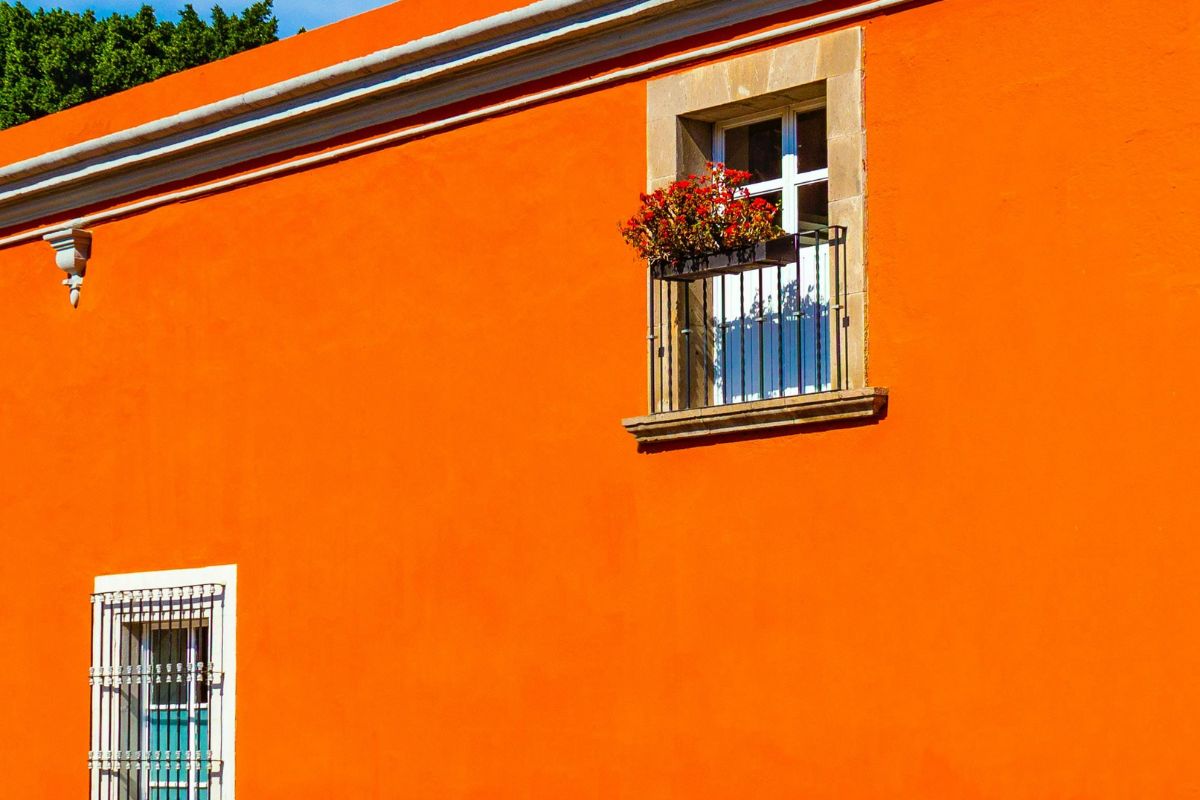
Behr Paint Your Place is a helpful option for anyone who wants a simple and immediate visual test based on a real photo. The process is intuitive: upload an image of your house, select the shades, and observe how the overall appearance of the facade could change. Behr presents its color tools as visualizers intended to help users try paint colors virtually in their own space before making a final decision.
The main benefit of this tool is clarity. It does not try to do too much, but it supports a very concrete stage of the decision-making process: understanding whether a light exterior may feel too plain, whether a warmer tone can make the house feel more inviting, or whether a stronger contrast with trim and details could actually work. In that sense, it is well suited to people who do not want to get lost in technical steps but still want a credible visual support system.
As with other brand-based tools, the limitation is that the experience stays inside that brand’s color range. But if your goal is to make a serious first selection, compare a few shades, and move toward a choice with less uncertainty, Behr remains one of the most useful free apps to include in a list focused on home exteriors.
Comparison table: the best apps to test exterior house colors
After looking at the apps one by one, it may help to compare them more directly. Not everyone is looking for the same thing. Some want a quick test using a photo of their own house, some prefer a tool with more features, and others simply want to know which option is best for exterior color testing without getting lost in too many choices.
All of the tools selected here have one thing in common: in different ways, they allow you to visualize colors on a home or on images of your own space. In several cases, the brands also present them as tools suitable for exteriors or facades. Baumit is explicitly facade-focused and built around photo upload. Caparol includes simulations for interiors and exteriors, including facades. Sherwin-Williams allows you to upload a photo and preview colors in your own space. Benjamin Moore lets you apply color to real images. PPG allows you to use a photo of your own home. Behr offers virtual color visualization tools before the final decision.
| App | Main strength | Best for | Main limitation |
|---|---|---|---|
| Baumit Life App | Highly focused on facade testing from a real photo | Anyone who wants to simulate a home exterior in a simple, direct way | Limited to the brand’s color system |
| Caparol SPECTRUM_mobile | More feature-rich and suited to more detailed simulations | Anyone who wants to compare several options with greater precision | May feel less immediate at first use |
| Sherwin-Williams Color Visualizer | Strong balance between simplicity and visual clarity | Anyone looking for an intuitive but credible tool | Color ecosystem tied to the brand |
| Benjamin Moore Color Portfolio | Very useful for working on real photos and refining choices | Anyone who wants to think more carefully about palettes before deciding | Less universal if you want to compare across different color systems |
| PPG Paint Color Visualizer | Quick and practical for testing color on a photo of the house | Anyone who wants a direct answer without too many steps | Less refined than some other tools |
| Behr Paint Your Place | Clear, straightforward, and easy to use | Anyone who wants a fast simulation to get oriented | Also limited to the brand’s own color catalog |
How to choose the right app to simulate your house facade color
There is no single best app for everyone. The right choice depends mainly on how deep you want the test to be and what kind of experience you are looking for. Some people need a fast tool to clear up a simple doubt. Others want to compare several combinations carefully. And some want to begin with a real photo of the home so they can get as close as possible to the final result.
If your goal is to do a quick test and understand in a few minutes whether a lighter, warmer, or more saturated exterior might work, it makes sense to choose a simple, intuitive tool that gives you an immediate and believable preview. If, on the other hand, you want to think more carefully about palettes, contrasts, materials, trim, and architectural details, then it may be worth choosing an app with more features, even if it takes a few extra minutes to use.
Your starting point matters too. If you already have a good-quality photo of your house, it makes sense to prioritize apps that let you work directly on the real image. That is the most useful way to evaluate the relationship between color, light, volume, and context. If you are still in the exploratory stage, however, a simpler tool may be enough to help you understand which color direction makes the most sense before moving on to a more precise test.
In any case, an exterior house color app should never be treated as absolute truth, but as a guide. It is meant to eliminate the least convincing options, clarify your first doubts, and help you make a more informed choice. The final step is always the same: test the actual paint color in real life, observing it in natural light and in relation to your materials, surroundings, and the overall architecture of the home.
Mistakes to avoid when testing exterior paint colors
One of the most common mistakes is trusting the digital simulation too much without considering that the real result changes depending on light, exposure, and surface material. A color that looks soft and balanced on screen may feel much colder, flatter, or stronger once it is actually applied to the facade.
Another frequent mistake is evaluating only the exterior wall in isolation. In reality, a facade is never read on its own. It interacts with trim, shutters, balconies, roofing, base elements, hardscaping, and the surrounding environment. Testing a color without looking at the full composition often leads to choices that feel less harmonious.
It is also worth avoiding the opposite problem: trying too many shades at once. When you open up ten different possibilities, the comparison becomes less clear and the decision gets harder. It is much better to choose a few well-defined directions, for example a light neutral, a warm beige, and a deeper gray, and compare them calmly.
Finally, there is one aspect that is often underestimated: the quality of the starting photo. If the image is dark, distorted, backlit, or full of strong shadows, the simulation becomes less reliable. For a more useful result, start with a sharp photo taken straight on or at a slight angle, under fairly even natural light.
Frequently asked questions
What is the best free app to test exterior house colors?
It depends on what you need. If you want a solution that is highly focused on facades, Baumit is one of the most relevant options. If you prefer a tool with more features, Caparol can be a strong choice. If you are looking for a simple and immediate test using real photos, Sherwin-Williams, Benjamin Moore, PPG, and Behr are all solid options.
Can I upload a photo of my own house?
Yes, and that is one of the most useful features offered by many of these tools. Working with a real image of your home helps you better understand how a color interacts with the building’s volumes, trim, roofline, and exterior details.
Is the result truly realistic?
It is useful, but not perfect. A good simulation can help a lot when narrowing down options and eliminating the least convincing colors, but it does not fully replace a real sample. Natural light, surface texture, and exposure can significantly change how a color is perceived in the end.
Is an app better than an online color visualizer?
That depends on your habits. Apps are convenient if you want to run quick tests from a phone or tablet, while online visualizers may feel more comfortable on a larger screen. The real difference, however, is not so much the format as the quality of the simulation and the ability to work from a real photo.
Can I also test trim, shutters, and exterior details?
In many cases, yes, at least visually. Some tools make it easier to think through the contrast between walls, trim, frames, and other architectural elements. The level of precision is not always the same for every detail, but for an initial evaluation it is often more than enough.
What is the best free app to test your home’s exterior color?
Testing the exterior color before making a real change is a smart decision, not only to avoid mistakes, but also to better understand what kind of atmosphere you want your home to express. A lighter facade can visually soften the whole building and make it feel brighter. A warmer tone can make it feel more welcoming. A stronger contrast can highlight details and geometry in a much sharper way.
The free apps available today do not fully replace real-life testing, but they are extremely helpful for organizing your options and moving from a vague idea to a more concrete direction. The best way to use them is this: not as a final answer, but as a serious first filter, one that helps you compare a few carefully chosen possibilities and arrive better prepared when it is time to choose the actual exterior paint color.
Leave a comment