Are there really smartphone apps that help you furnish your home in a simple, intuitive and convincing way? Yes, but there is an important distinction to make first: they do not all do the same thing. Some are designed to visualize home interiors in 3D, others make it easier to decorate your home online, and …
Are there really smartphone apps that help you furnish your home in a simple, intuitive and convincing way? Yes, but there is an important distinction to make first: they do not all do the same thing. Some are designed to visualize home interiors in 3D, others make it easier to decorate your home online, and others still are useful when you want to design a room online starting from measurements, furniture footprints and layout. Today, for many people, the first step in a home project no longer happens on a computer but on a phone screen: faster, less technical and more natural to use day to day. That is precisely why the best interior design apps are not necessarily the most complex ones, but those that can turn an idea into a concrete picture, helping you understand the space better before making bigger decisions.
The best interior design apps for your smartphone
When you search online for the best interior design apps, you are really looking for something more specific than a simple list of names. You want a tool that genuinely helps: to picture a better-furnished room, to try something out before buying a piece of furniture, to see whether a new layout works or not. This is where different but closely related needs come into play: 3D home interior design, room simulation, the ability to decorate your home online intuitively, or tools to design a room online without having to learn professional software.
What really makes the difference is not just an app’s graphics, but the kind of experience it offers. Some work well on floor plans, others are stronger visually, and others help most in the early stages, when the project is still uncertain but already needs to take shape. That is why a good ranking should not just list the best-known apps, but distinguish those that truly help you visualize, organize and understand your home better.
7 home design apps worth trying
Choosing the right app also means understanding which stage of the project you are at. Some people want to rethink a room from scratch, some want a quick simulation, some need to start from real measurements, and others just want to compare ideas, proportions and styles before deciding. The apps below are interesting precisely because they meet different needs: some are better suited to 3D visualization, others to planning, and others still to gathering inspiration and useful references.
Planner 5D
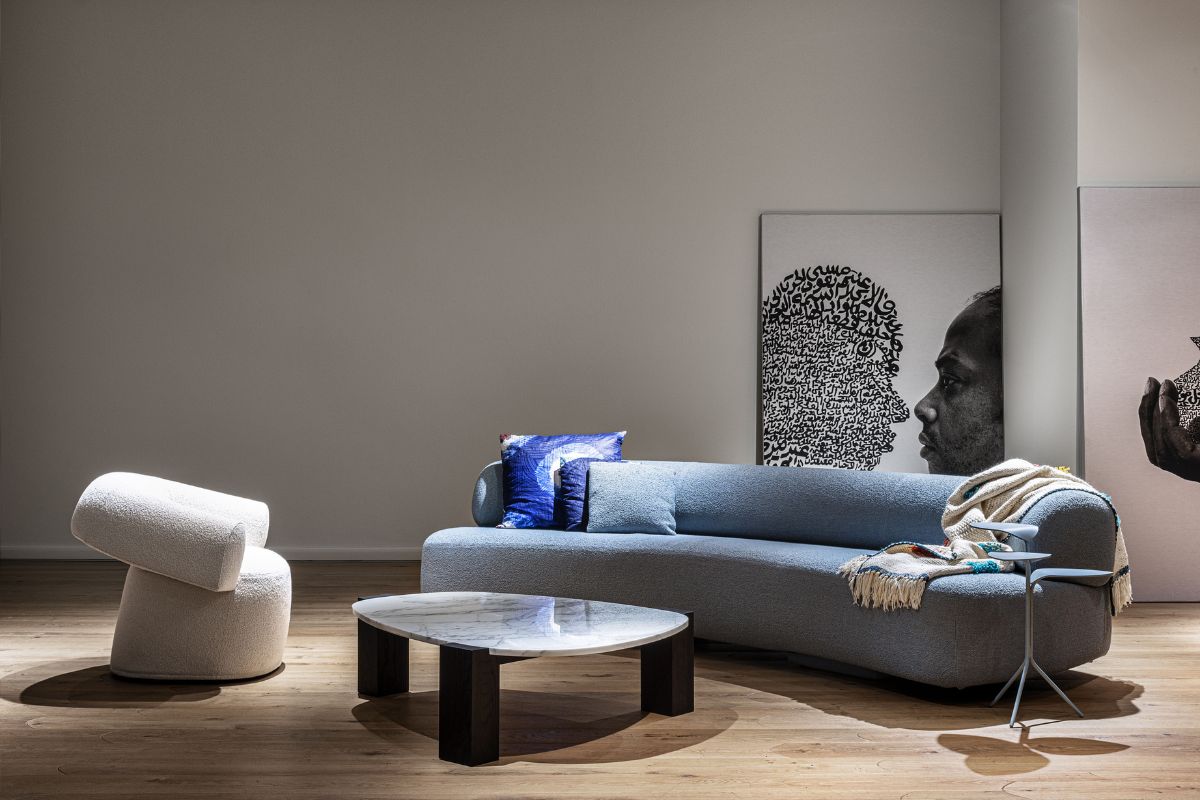
Among the best-known apps for working on rooms visually, Planner 5D is often one of the first to consider. The reason is simple: it lets you move fairly easily from floor plan to visualization, helping you better imagine rooms, proportions and furniture layout. It is especially useful when you want to run quick tests, compare different solutions and see whether a particular layout really feels balanced.
Its strength is accessibility. It does not demand an overly rigid technical approach, so it can work well even for people with no professional skills. It is a good choice in the early stages of a project, when you need a more concrete picture of the room and want to turn a hunch into a first credible proposal. Our tip: use it as a tool for simulation and orientation rather than as a substitute for full technical design.
Home Design 3D
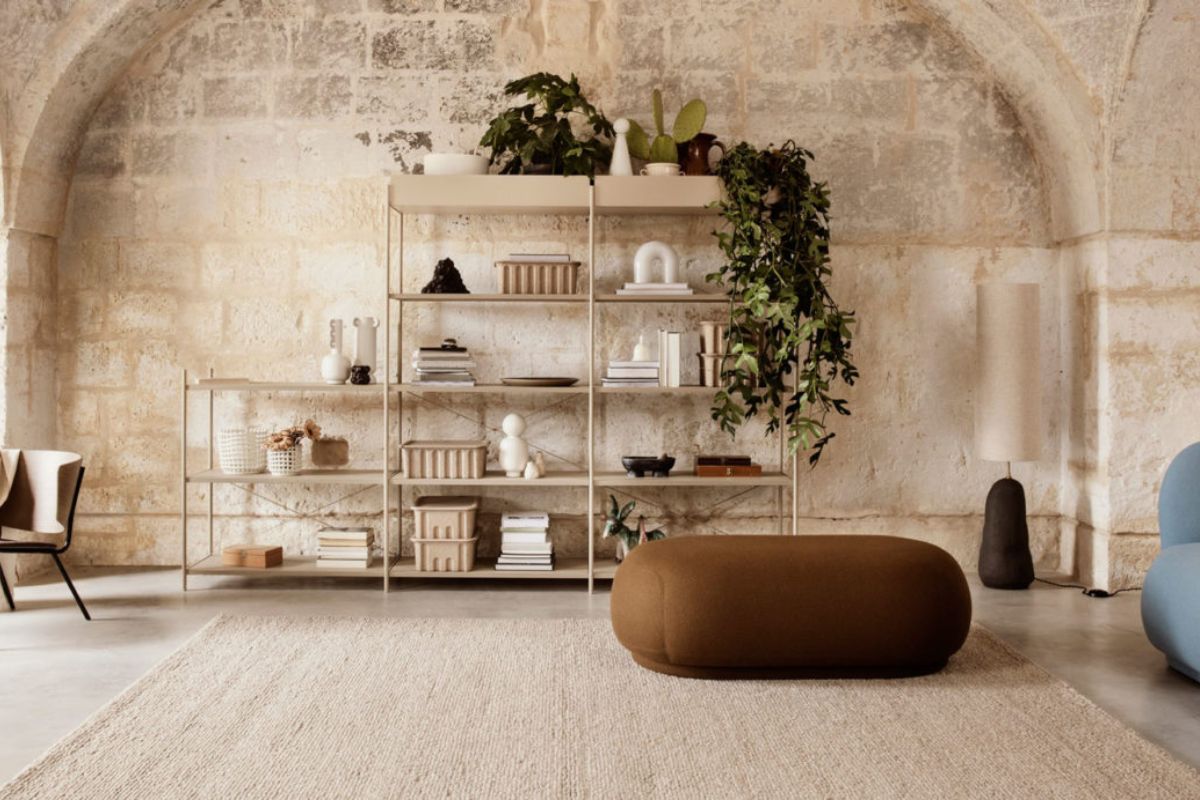
Home Design 3D is one of the most interesting options for anyone looking for a straightforward, fairly intuitive app focused on understanding space. It is particularly useful when the issue is not just style but layout: figuring out whether a wall can take a certain piece of furniture, whether a room could be better organized, or whether a furniture arrangement truly makes a space more livable.
Here the value lies less in aesthetic inspiration than in its ability to help you visualize the structure of a space clearly. That makes it a good app for anyone who wants to design a room online with a practical approach, starting from shape and footprint before taste. Our tip: choose it when you want to work on the layout and on how a room really feels, especially in small or awkward spaces.
Homestyler
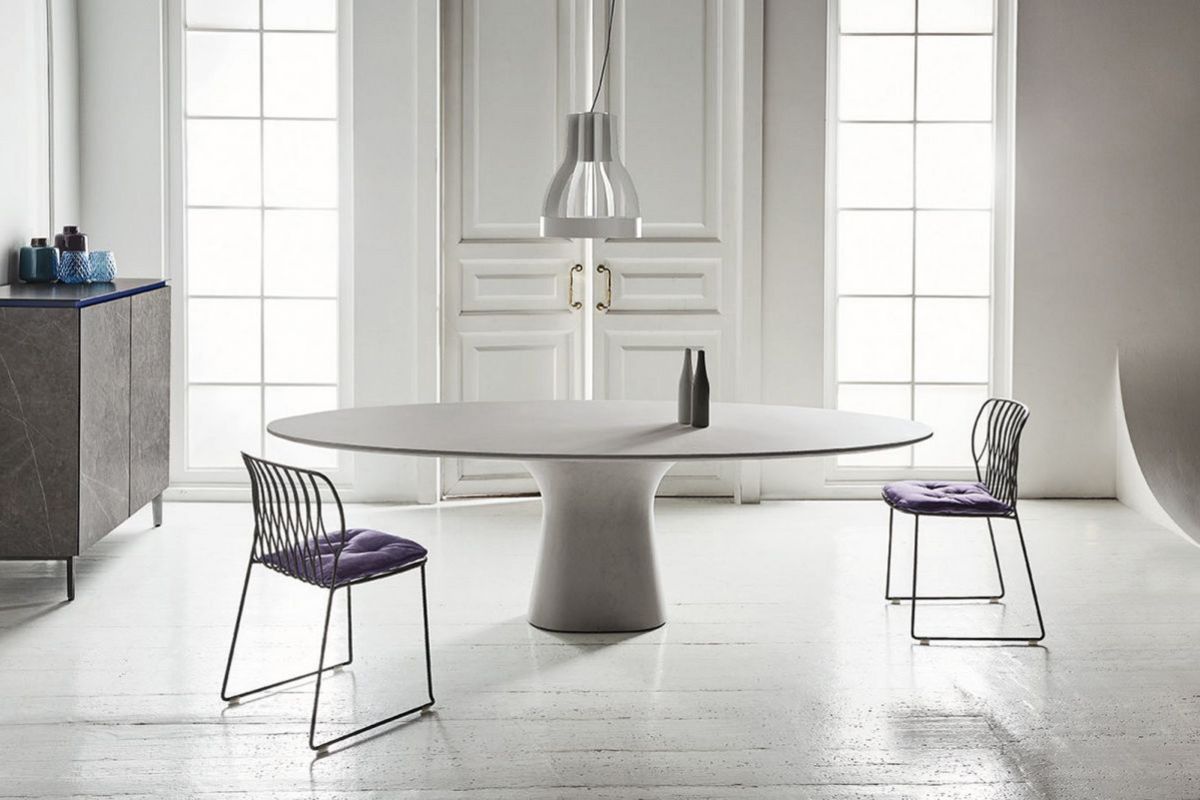
Homestyler takes a more contemporary, visual approach. It suits anyone who wants to make a project more accessible, less technical and closer to the language of interior design. It works well at the stage when you need to see a room take shape, test a mood and start building consistency between furniture, style and the overall feel of the space.
Compared with more structured apps, immediacy matters a lot here. It is an interesting choice for anyone who wants to explore home interiors in 3D without feeling held back by rigid or specialist tools. Our tip: use it when the project is still fluid and you mainly need to find your way among different possibilities, clarifying the aesthetic direction of the room.
HomeByMe
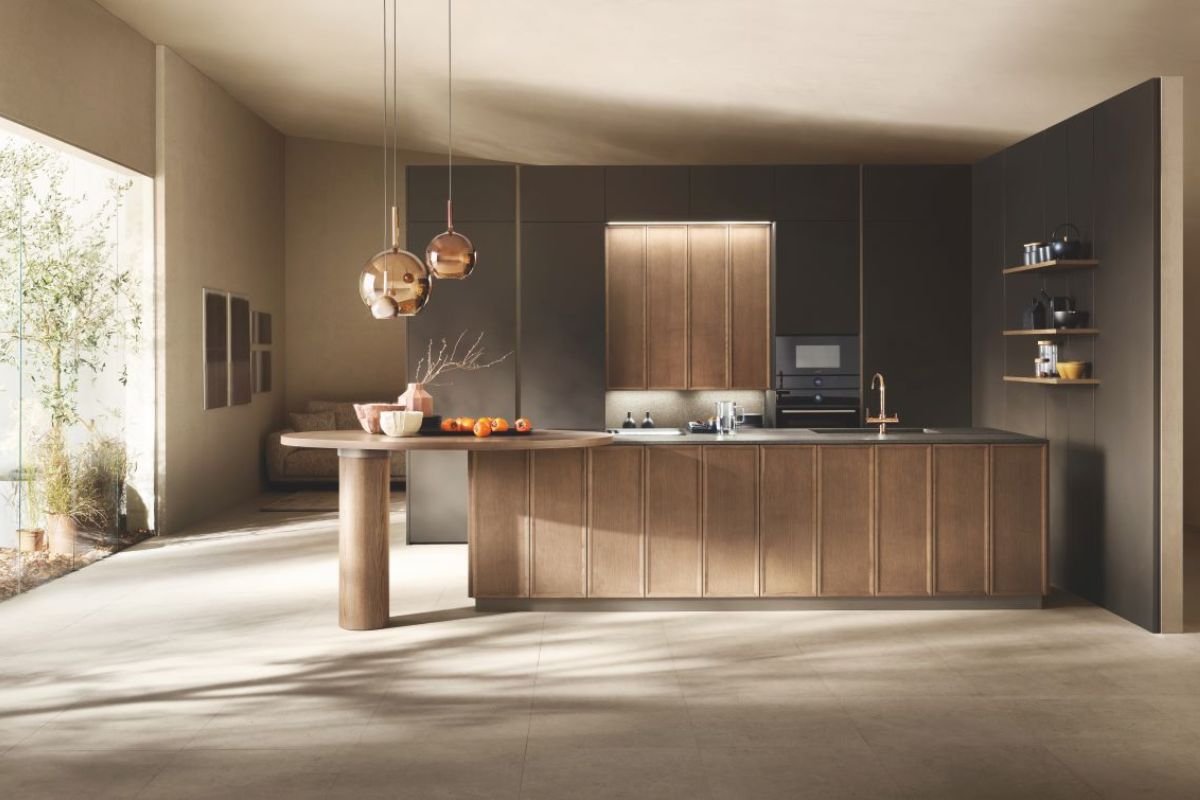
HomeByMe is particularly useful if you are at an intermediate stage: past pure inspiration, but not yet into advanced technical design. It is the kind of app that helps you compare several options, imagine different combinations and see how a room might change before you decide what to buy or how to proceed.
Its merit is that it supports home decisions with a light touch, without making everything too technical. That is why it can work very well for anyone who wants to decorate their home online more thoughtfully, visualizing options, moving furniture around and checking that a room works as a whole. Our tip: use it when you already have a direction in mind but still want to take the time to compare alternatives.
magicplan
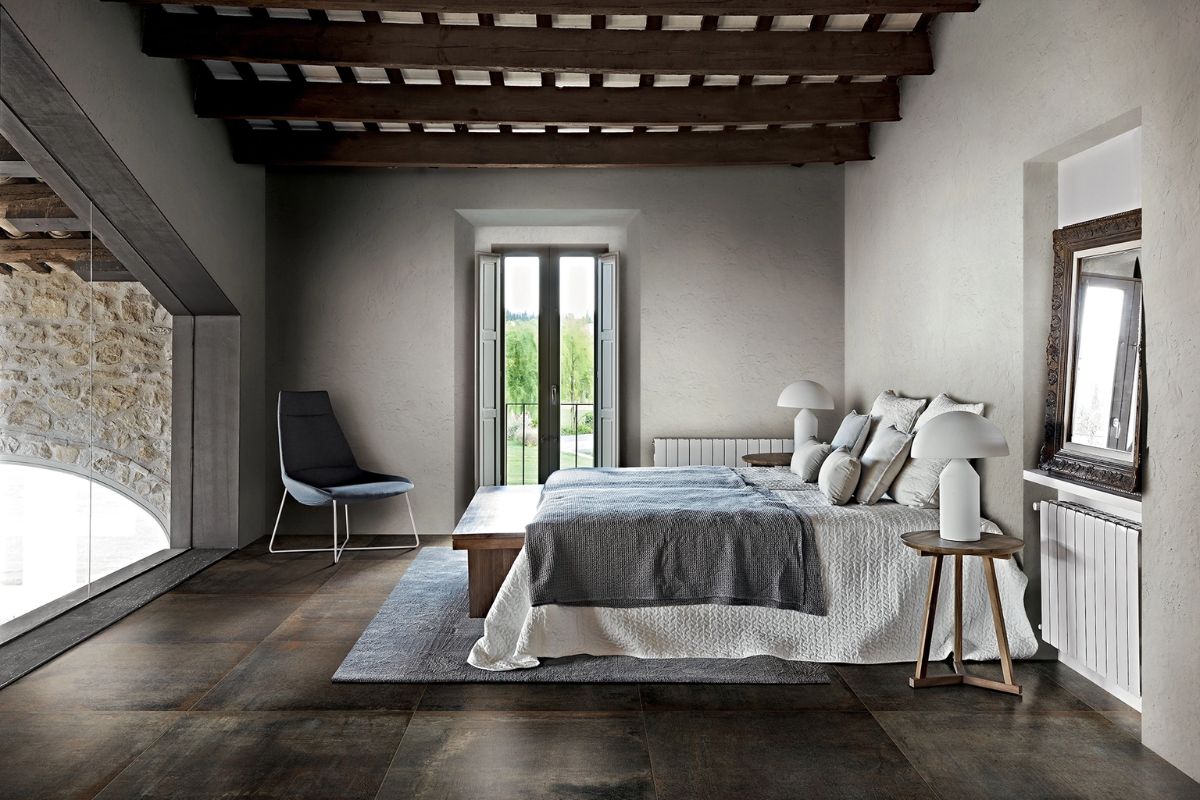
magicplan works differently from apps that are more decorative or focused purely on visualization. Here the focus is not so much on atmosphere as on the real structure of the space. It is very useful when you want to start from measurements, a survey and a floor plan, in other words from a concrete base on which to build the rest of the project.
For that very reason it is less showy than others, but in many cases far more useful. Before you can furnish a room well, you often need to truly understand it. If you need a more solid foundation, want to read the space more precisely or set up a project more rationally, this is a sensible choice. Our tip: consider it when the trickiest part is not taste, but understanding the space.
Houzz
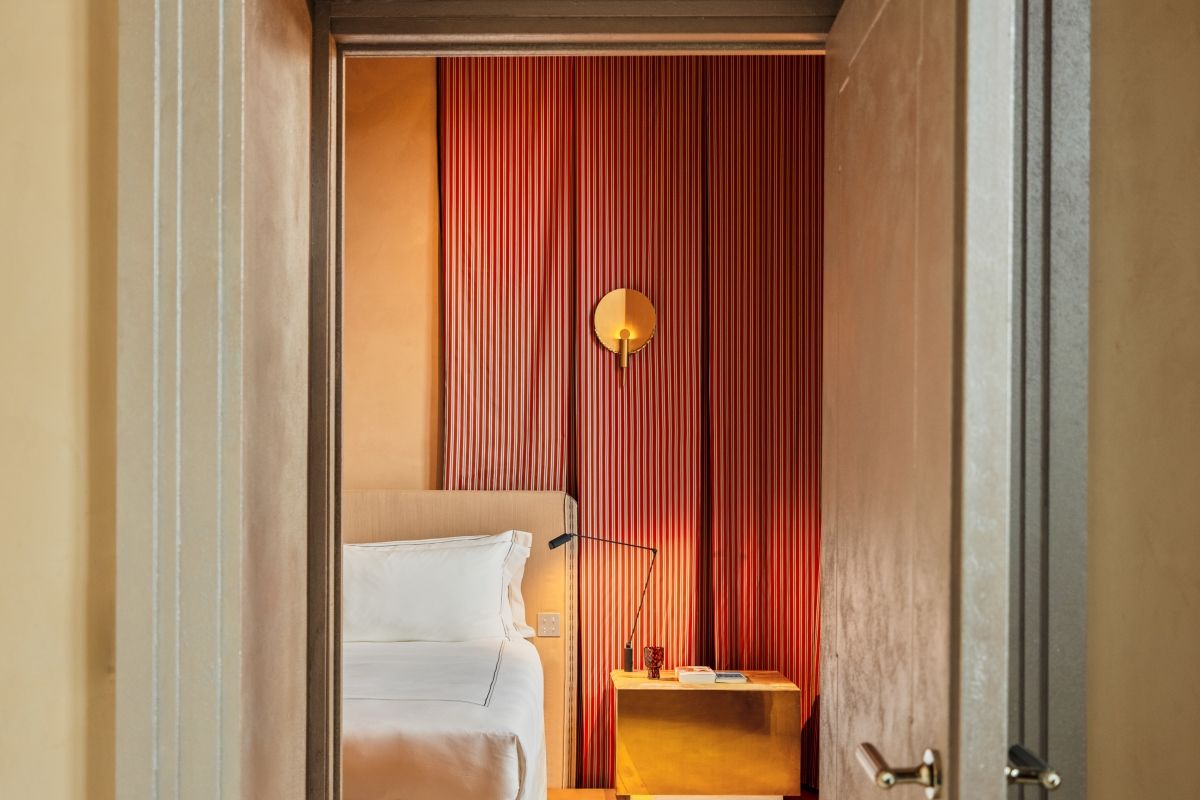
Houzz is not a pure planner, but it remains one of the most useful apps for anyone starting to build a design vision. Sometimes work on a home does not begin with a floor plan but with an idea: materials, colors, moods, references, styles to compare. In this sense, Houzz still plays an important role, because it helps train your eye and bring order to your ideas.
It is the right app when you do not yet need to design in the strict sense, but want to figure out what you really like and how it might translate into a cohesive space. For anyone looking to decorate their home online with more inspiration, it can be a very useful starting point. Our tip: pair it with a more hands-on tool: on its own it is excellent for collecting ideas; combined with a planner it becomes part of a more complete process.
Room Planner
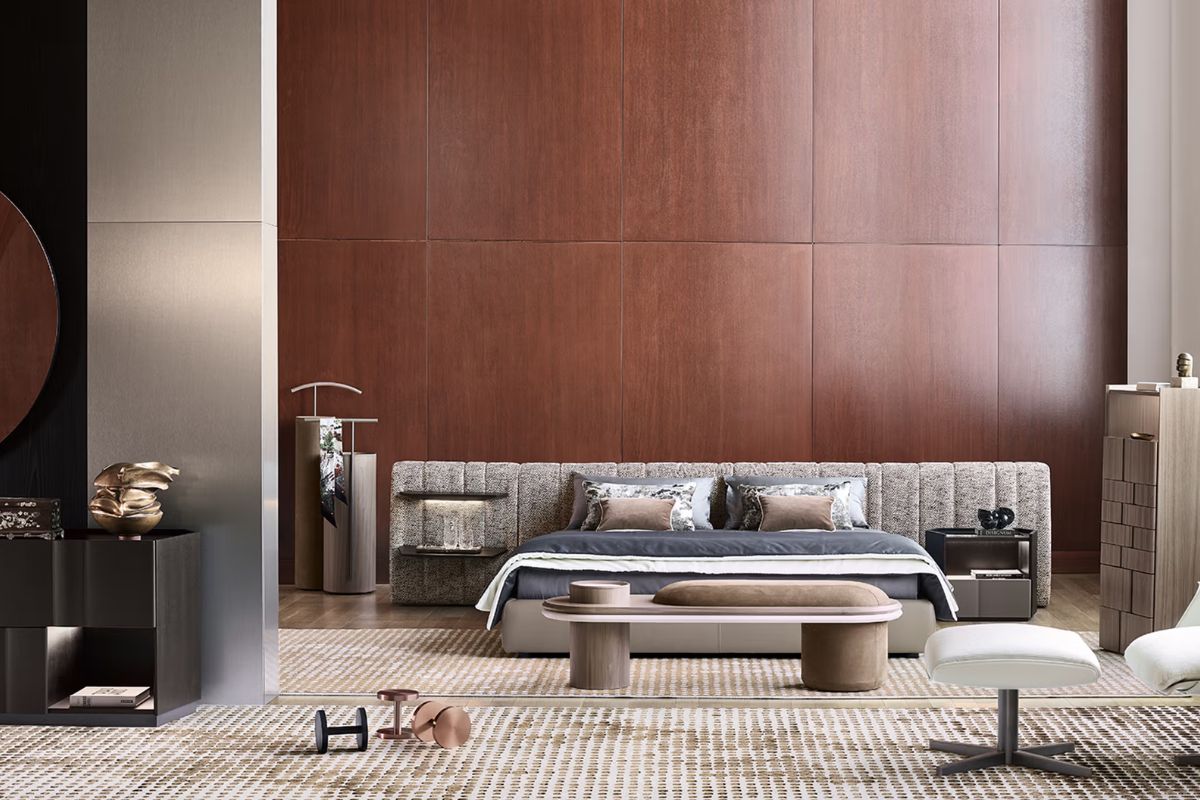
Room Planner is one of those apps that try to combine accessibility with home design. It is useful for anyone who wants something more concrete than a simple collection of images, but does not yet feel the need to move to desktop software. It helps you organize space better, give shape to a first idea of your home and turn scattered hunches into a clearer layout.
Its strength lies precisely in this balance: simple enough to be immediate, yet focused enough on space to stay useful as the project becomes more precise. Our tip: try it if you want a middle-ground tool that can support you through an active stage of the project without weighing the process down.
What is the best app for designing your home from your phone?
The honest answer is: it depends on what you actually need to do. If you want to visualize rooms and test layouts, some apps are more effective. If you need to start from measurements and a floor plan, you will need a different one. If you are still at an intuitive stage, what you may need most are images, comparisons and visual references. The best choice therefore does not depend on an app’s popularity, but on how well it fits the design stage you are at.
The best interior design apps are the ones that help you take a concrete step forward: understanding a room better, reading the space more clearly, imagining a workable solution. They do not have to do everything. They just have to be genuinely useful to you.
Home design apps: planning your interiors starting from ideas
What are the best interior design apps for smartphones?
The most useful include apps focused on 3D visualization, furniture layout, floor plans and design inspiration. The best choice always depends on how you plan to use it: simulation, measuring, design or gathering ideas.
Are there free apps to decorate your home online?
Yes, several apps let you start to decorate your home online without professional tools. Some offer free basic features, useful for running simulations, creating a room or testing a layout.
Can you create 3D home interiors on a smartphone?
Yes, many apps now let you visualize home interiors in 3D directly on your phone. The quality of the rendering varies from app to app, but for a first simulation they can be very useful tools.
How do you design a room online from your phone?
To design a room online from your phone, it is best to start with an app that lets you work on the floor plan, measurements and furniture layout. The key is to choose a tool that matches your goal: more visual, more technical or more inspirational.
If you are looking for a broader overview that also covers more structured software and platforms, read our guide to free AI home design software.