Designing a kitchen today means starting from a very practical question: which free tools can truly help you imagine, organize, and visualize a kitchen before buying it or working with a professional? People searching online for “design a kitchen,” “free AI programs to design a kitchen,” “3D kitchen design app,” or “how to design a …
Designing a kitchen today means starting from a very practical question: which free tools can truly help you imagine, organize, and visualize a kitchen before buying it or working with a professional?
People searching online for “design a kitchen,” “free AI programs to design a kitchen,” “3D kitchen design app,” or “how to design a kitchen with artificial intelligence” are almost always looking for the same thing: a simple, fast, and free way to turn measurements, ideas, constraints, and inspiration into a clearer project.
The answer is yes, but with one important clarification: AI can be extremely useful in the early stage, especially for visualizing styles, colors, materials, layouts, and atmospheres. However, a kitchen design that can actually be built always requires attention to measurements, systems, ergonomics, openings, circulation, appliances, and technical feasibility.
For this reason, the best tools are not only those that generate beautiful images, but those that allow you to combine artificial intelligence, 3D planners, online configurators, and real design control.
Today, there are several free or freemium programs to design a kitchen: from online 3D configurators, such as kitchen planners that let you insert walls, doors, windows, and furniture modules, to AI-based apps that can transform a photo or a written description into immediate visual proposals.
The real question, then, is not only which free program to use to design a kitchen, but when to use each one: AI to explore ideas, a 3D planner to verify the space, a configurator to evaluate modules and compositions, and technical review to turn inspiration into a coherent project.
In this guide, we look at how to use these tools correctly, which free programs can be useful, and which mistakes to avoid when designing a kitchen with the help of artificial intelligence.
Why use AI to design a kitchen
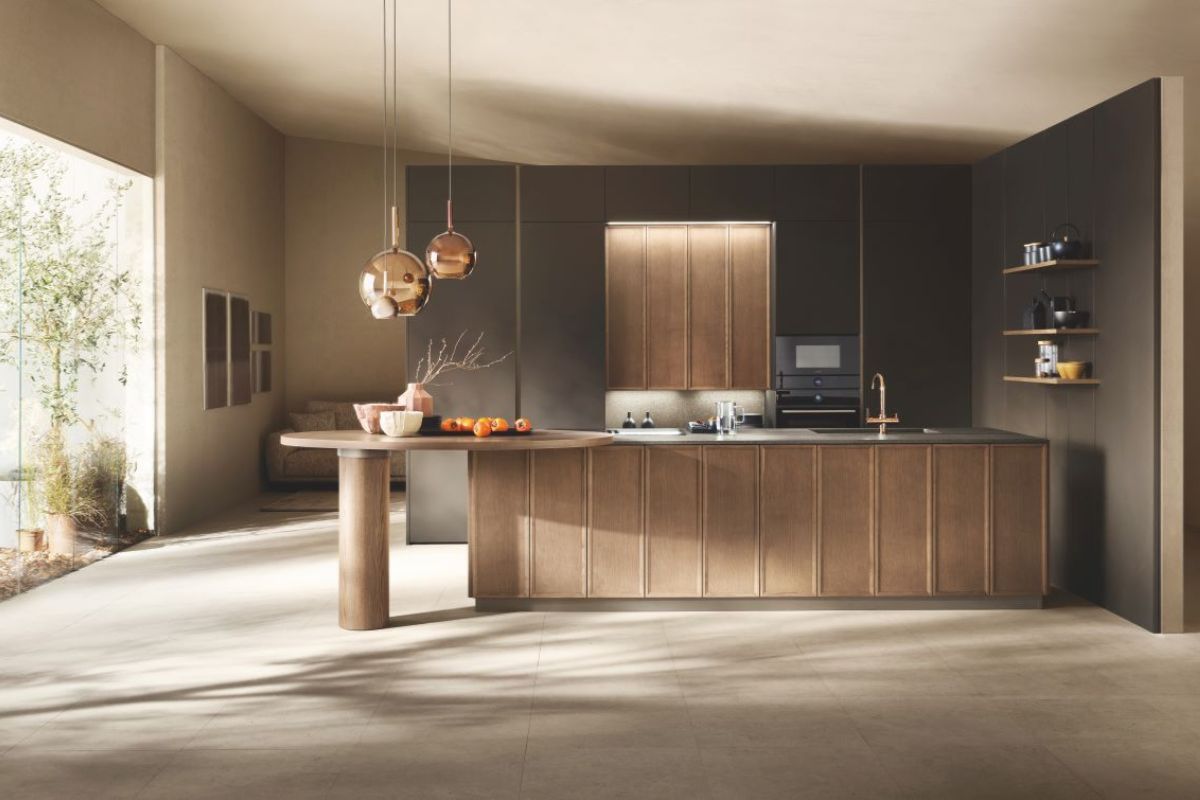
Artificial intelligence is changing the way people approach interior design because it makes it faster to move from an abstract idea to a first visualization of the space. In the case of the kitchen, this is especially useful. The kitchen is one of the most complex rooms in the home, where aesthetics, functionality, systems, storage, circulation, and daily habits must work together with precision.
Using an AI program to design a kitchen does not mean automatically replacing the work of a designer, architect, or specialized retailer. Rather, it means arriving at the consultation stage with a clearer vision: knowing whether you prefer a linear or corner kitchen, understanding whether an island is truly compatible with the space, and visualizing the relationship between tall units, worktop, sink, hob, refrigerator, and dining area.
The main advantage of AI is speed. By uploading a photo, entering a description, or choosing a style, some tools can generate several visual options in just a few seconds. This helps compare contemporary solutions, minimal kitchens, warm wood interiors, total white compositions, dark kitchens, open spaces with islands, or more compact projects for small apartments.
The limit, however, must be made clear from the start: a beautiful image is not automatically a correct kitchen design. AI can suggest atmospheres and combinations, but it does not always accurately check drains, sockets, heights, openings, minimum distances, real appliance dimensions, or structural constraints.
This is why the most useful programs are those that allow you to combine visual inspiration, floor plan, measurements, and 3D configuration.
Free AI programs to design a kitchen: what they can really do
When talking about free AI programs to design a kitchen, it is important to distinguish between three categories of tools.
The first category includes online 3D kitchen planners, designed to build a composition starting from walls, measurements, doors, windows, modules, base units, wall units, tall units, and appliances. These tools are very useful for thinking about spatial distribution and general feasibility.
The second category includes AI interior design apps, which allow you to upload a photo or generate a room from a text prompt. These tools are stronger on the aesthetic side: mood, color palette, materials, style, atmosphere, and fast rendering.
The third category includes 2D and 3D home design software, not always created only for kitchens, but useful for designing the whole environment: open space, dining area, connected living room, partition walls, flooring, lighting, and furniture.
The best way to use these tools is to integrate them. First, gather ideas with AI, then verify the floor plan with a 3D planner, and finally move to a more technical evaluation with a professional or with the design service of the chosen brand or retailer.
The best free programs to design a kitchen with AI and 3D planners
IKEA Kitchen Planner: for designing a kitchen online using real modules
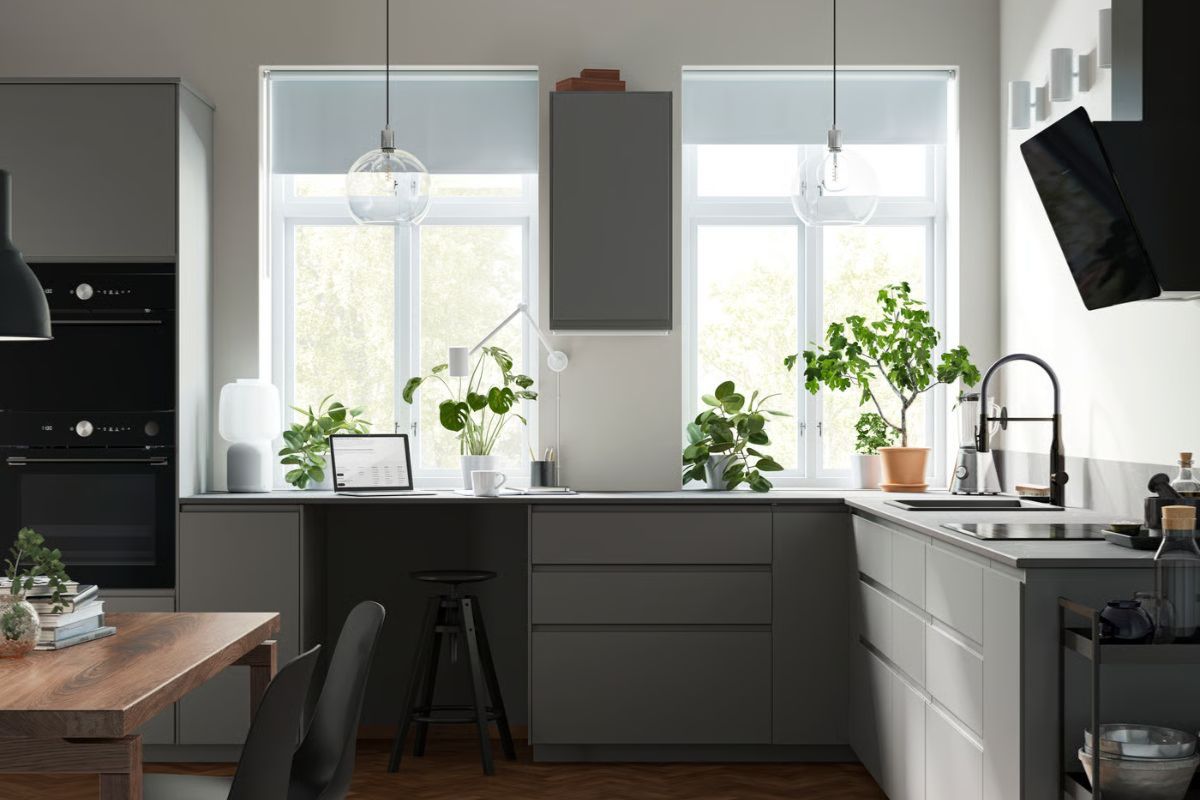
One of the best-known tools for designing a kitchen online for free is the IKEA Kitchen Planner. The configurator works directly online, without requiring any download, and allows users to test ideas and solutions in 3D starting from the kitchen floor plan.
It is especially useful for those who want to verify a concrete composition, built with modules, finishes, elements, and accessories that can actually be purchased within the IKEA system.
Its main strength is practicality. It is not just about generating inspiration images, but about setting walls, measurements, and compositions. This makes it useful when you want to understand whether a linear kitchen, corner kitchen, tall-unit composition, or peninsula can work in the available space.
It is suitable for anyone looking for a practical, accessible, and immediate solution, especially if they are already considering an IKEA modular kitchen or want to become familiar with the logic of kitchen modules.
Kitchenplanner.net: a free 3D kitchen planner with no download
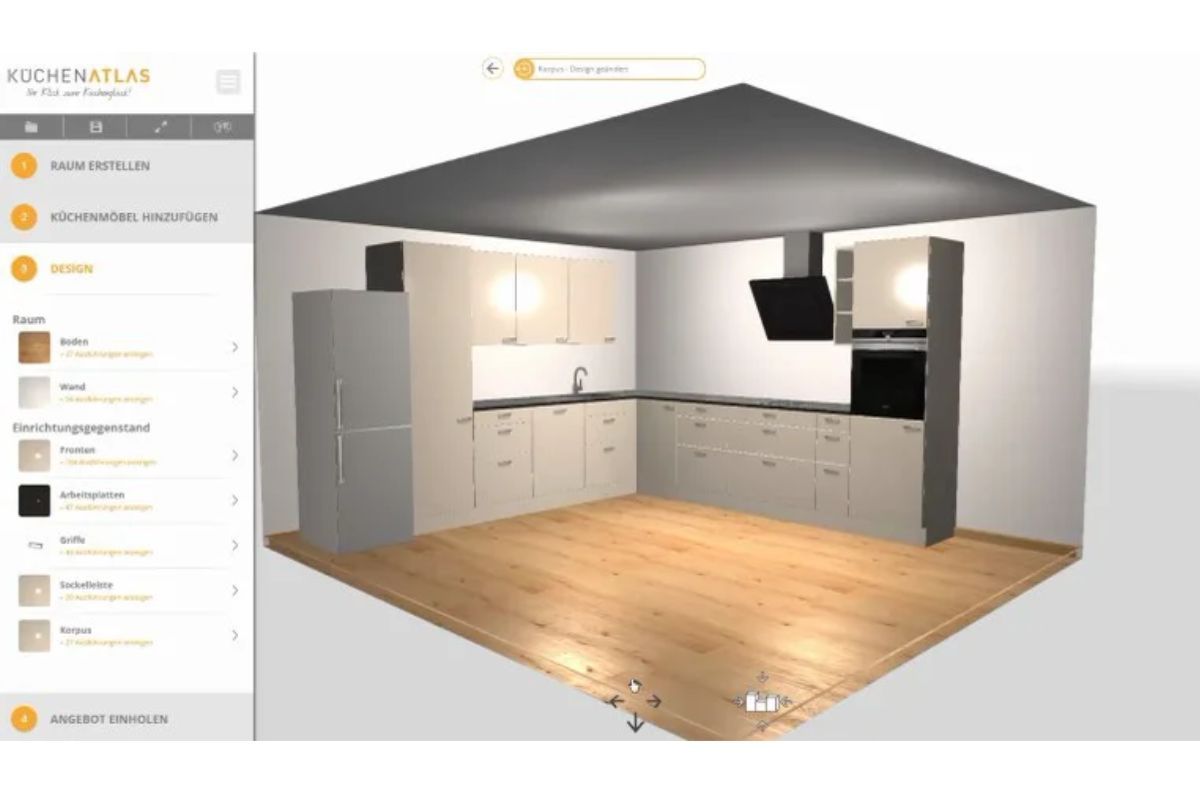
Kitchenplanner.net is another interesting tool for those looking for a free program to design a kitchen in 3D. The planner works online, requires no download, and allows users to work on the kitchen composition by entering the perimeter, doors, windows, and different configurations, such as linear, L-shaped, U-shaped, or counter layouts.
Its main advantage is simplicity. It can be used to create a first spatial hypothesis without installing complex software. It is suitable for those who want to test several layouts and quickly understand which arrangement feels more balanced.
It is especially useful in the early stage, when you need to answer practical questions: where should the refrigerator go? How much space remains for the table? Does an L-shaped kitchen work better than a linear one? Would a peninsula close the room too much?
Planner 5D: kitchen design with AI, layouts, and 3D visualization
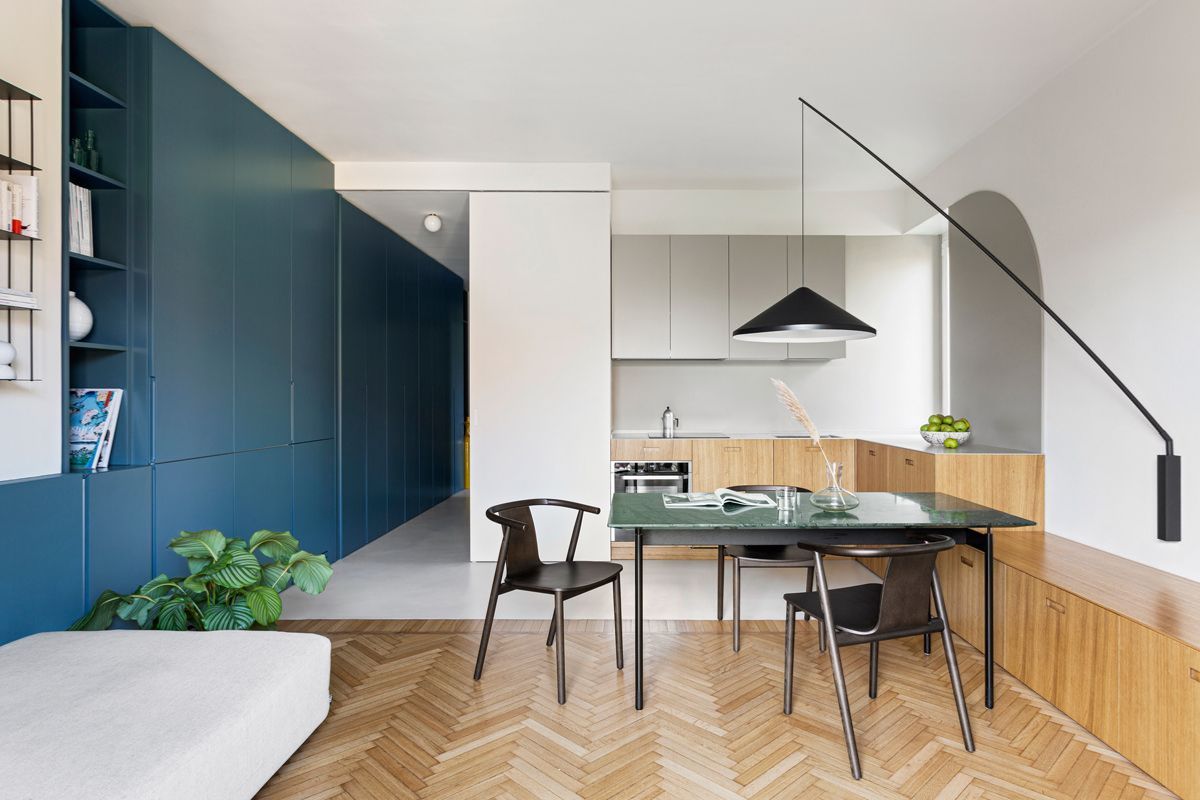
Planner 5D is one of the most interesting software options for those who want to combine 2D design, 3D visualization, and tools based on artificial intelligence. Its AI Kitchen Design section states that it works on dimensions, movement flows, and storage needs to generate layouts that are more coherent with the space and the user’s lifestyle.
Its value for kitchen design lies in the possibility of using AI as support for the first design setup. You do not need to start from a completely blank page: you can build a base, visualize it, modify it, and reason about the relationship between furniture, circulation, and functions.
It is suitable for those who want to design not only the kitchen as an isolated block, but also the relationship between kitchen, living area, and dining area. In an open space, in fact, the project is not only about kitchen furniture, but about the balance of the entire room.
HomeByMe: for visualizing the kitchen within the whole home project
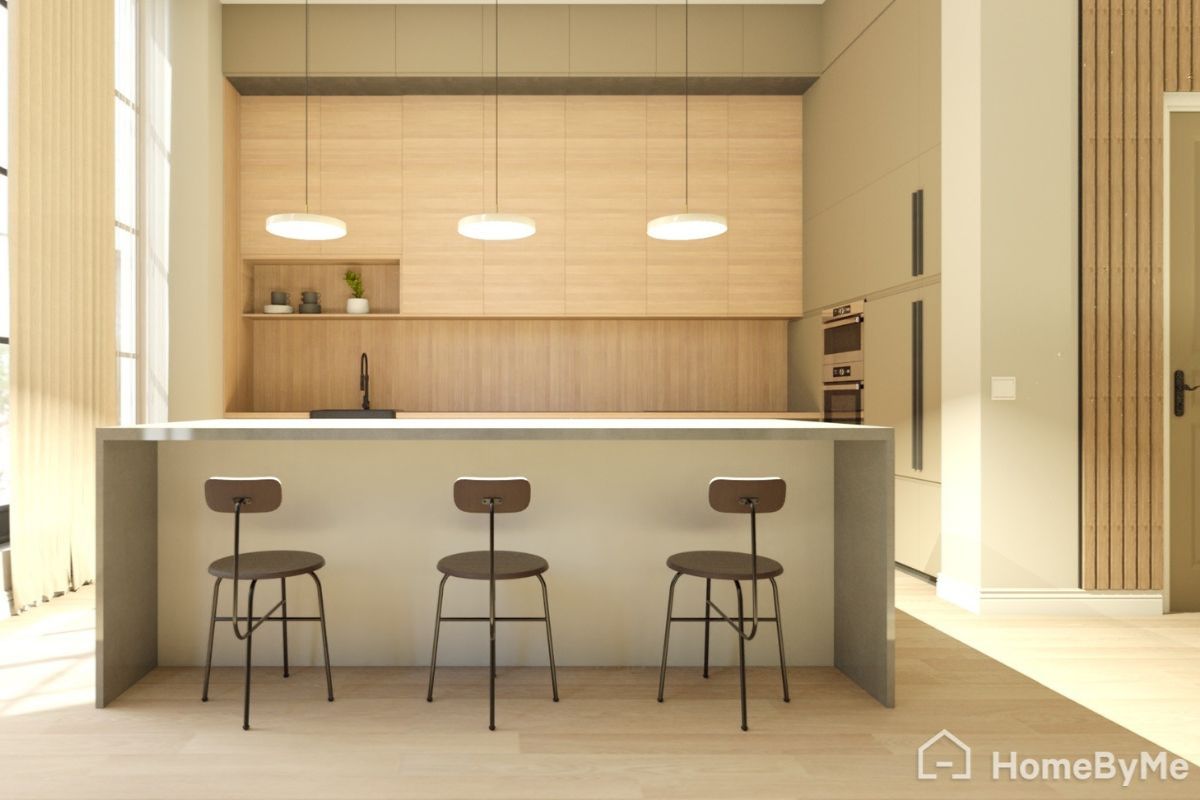
HomeByMe is an online 3D design software that allows users to create 2D floor plans, furnish spaces, and visualize them in 3D. It can also be used to design a kitchen within a larger environment, such as an entire home or an integrated living area.
Its main strength is the overall vision. Often, when designing a kitchen, people focus only on base units, wall units, and the worktop. In reality, the kitchen dialogues with flooring, lighting, table, sofa, walls, doors, windows, and circulation paths.
A tool like HomeByMe can help understand these relationships better. It is a good choice for those who are renovating or furnishing several rooms and want to see the kitchen in the real context of the home, avoiding a composition that looks beautiful on its own but does not fit with the rest of the interiors.
Homestyler: 3D design and AI ideas for kitchens and interiors
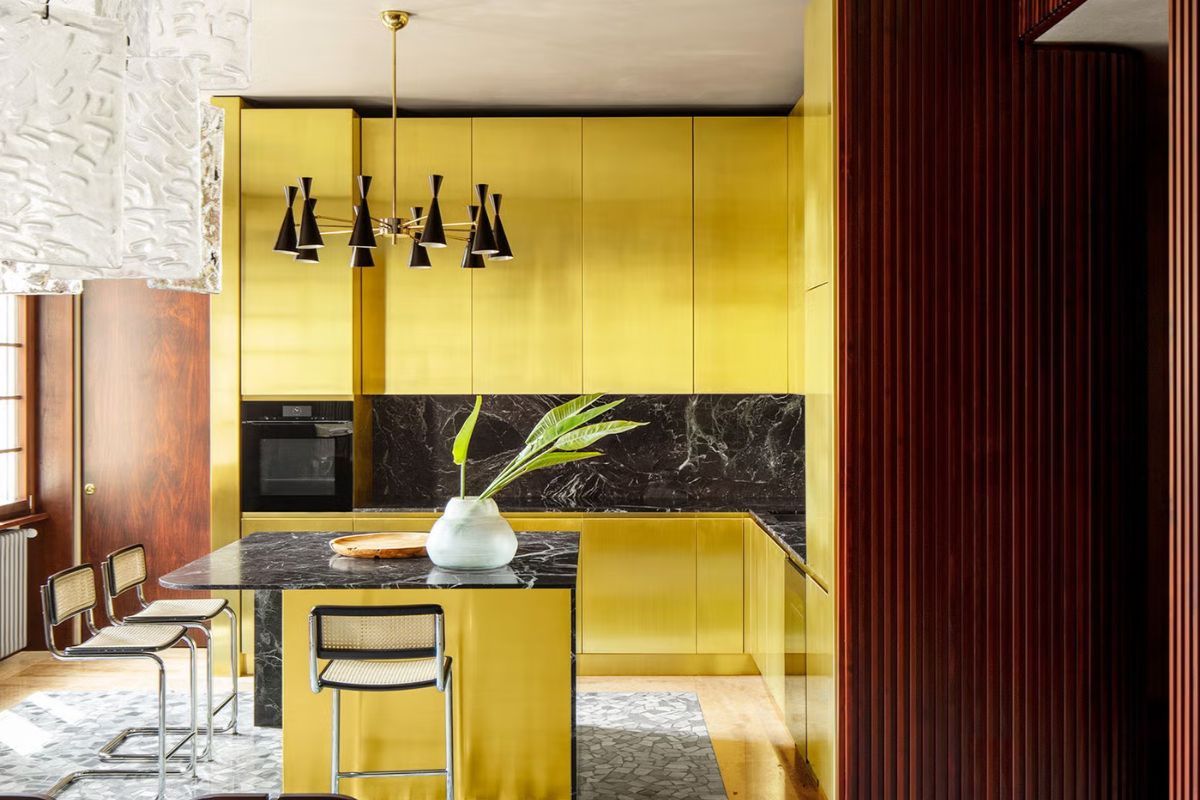
Homestyler is an online tool for 3D interior design, suitable for both private users and professionals. The platform allows users to create 3D projects and also offers functions linked to artificial intelligence, such as tools for generating ideas from photos and styles.
For kitchen design, it can be especially useful in the visual stage: choosing a style, combining materials, and testing the relationship between colors, flooring, walls, and furniture. It can help understand whether a wood-effect kitchen warms the room enough, whether black feels too heavy, or whether a beige and stone palette works better than a total white look.
It is less immediate than a pure kitchen configurator, but more interesting for those who also want to work on the overall aesthetics of the interior design.
RoomGPT and similar tools: generating kitchen ideas from a photo
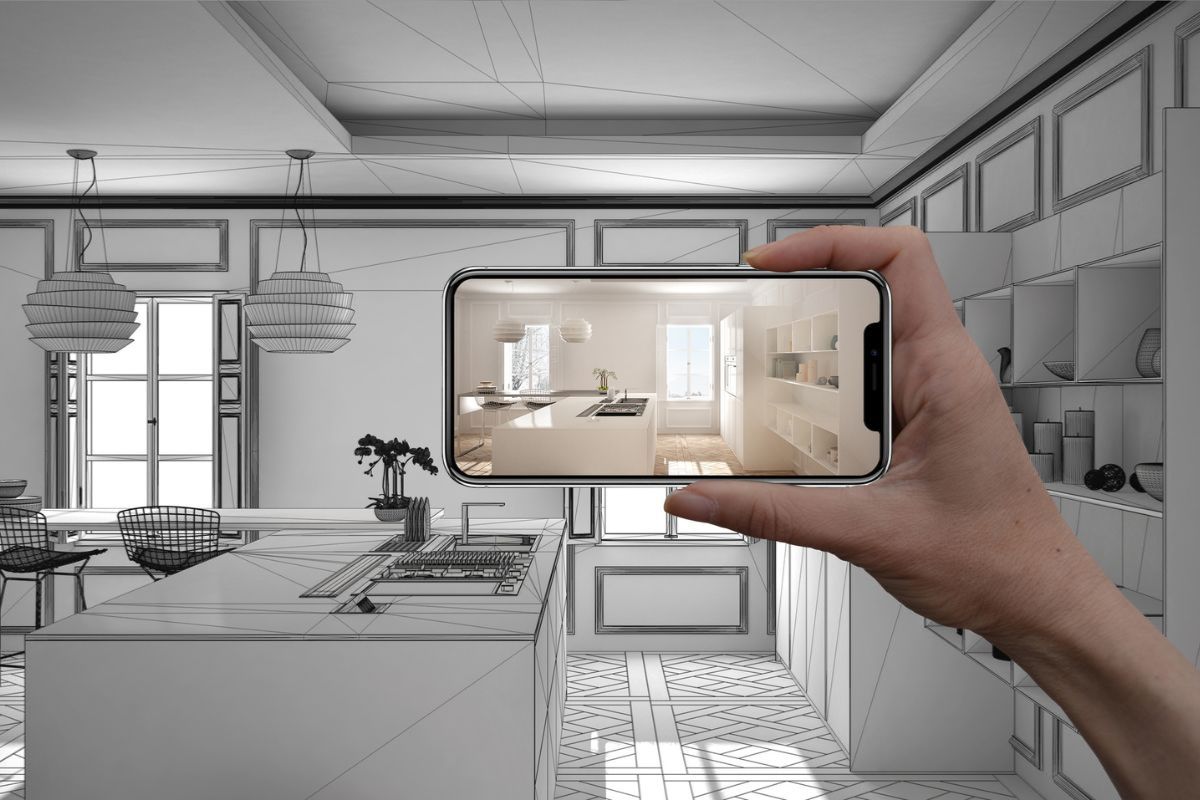
RoomGPT is an AI-based tool that allows users to redesign a room and generate visual proposals starting from an image. The platform presents itself as an AI interior design assistant, created to quickly transform the appearance of a space.
This type of tool is useful when you already have an existing kitchen and want to imagine how it could change: new cabinet fronts, a different wall color, a more contemporary style, a warmer atmosphere, or an industrial, minimal, or Nordic mood.
The limit is clear: the generated proposal can be very suggestive, but it does not always correspond to a technically feasible solution. It should therefore be used for inspiration, not as an executive project.
ReimagineHome: AI ideas to renew a kitchen without starting from zero
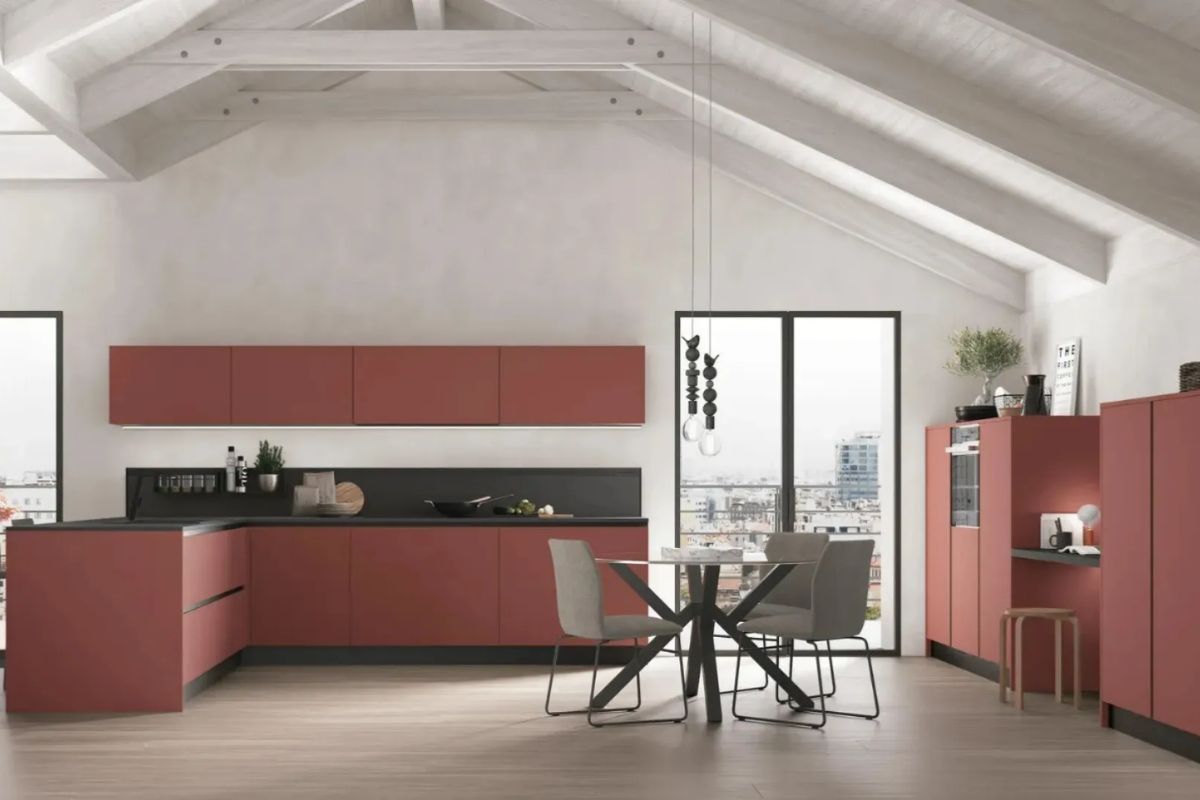
ReimagineHome allows users to generate AI interior design proposals starting from images and visual references. The platform indicates the possibility of creating some initial free designs and working on rooms while keeping structural elements such as walls, doors, and windows.
For the kitchen, it can be interesting when you do not want to completely transform the space, but want to understand how to improve it: changing the palette, updating materials, imagining new wall coverings, making an outdated kitchen feel more contemporary, or evaluating a restyling before a more important intervention.
It is especially useful in the “first vision” stage, when you need to understand which aesthetic direction to follow before investing time and budget in a more detailed project.
Coohom: 3D design, kitchen planner, and AI layout
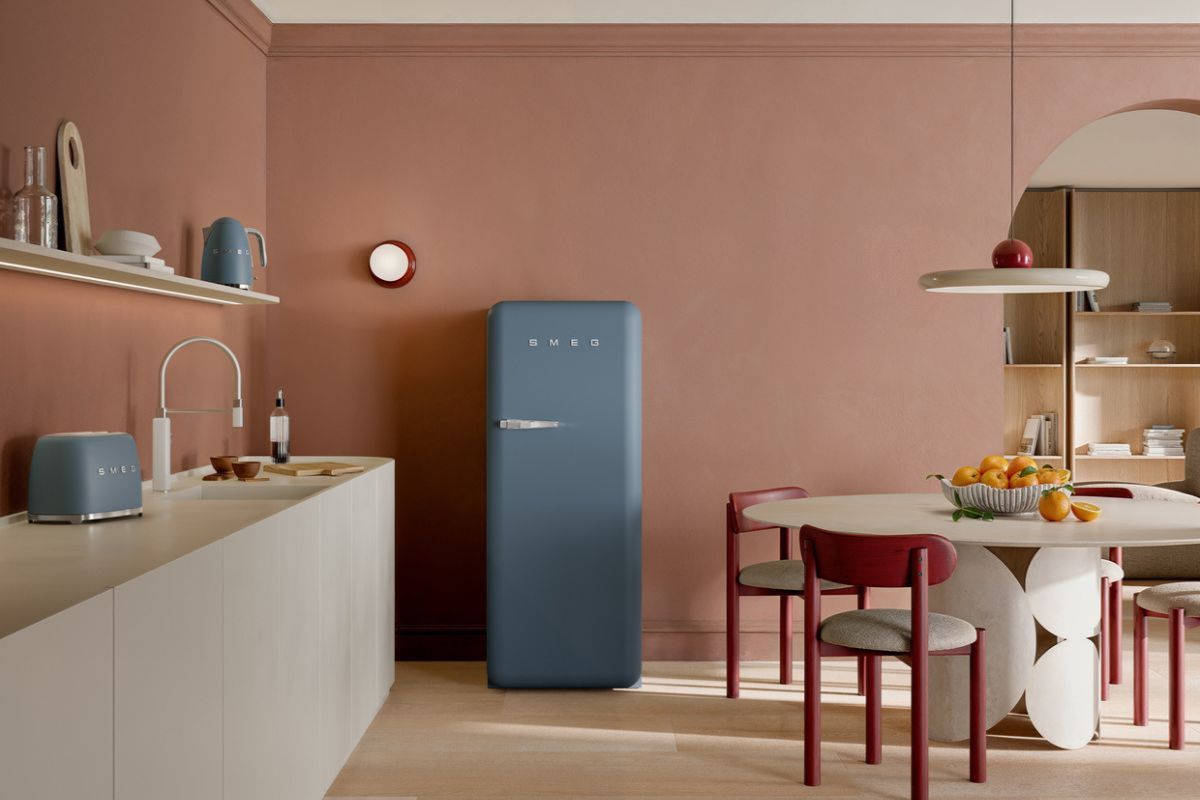
Coohom offers tools for 2D and 3D floor plans, home design, kitchen design, and AI-based design functions. The platform includes a section dedicated to online 3D kitchen design and AI Home Design tools that allow users to describe the space or upload a base to generate an editable project.
It is a broader tool than a simple image generator, because it works on space planning and 3D visualization. It can be interesting for those who want to test more articulated solutions, especially in complex kitchens or open-plan spaces.
Here too, the free version can be useful for exploration, but more advanced functions may change over time or require paid plans.
How to design a kitchen for free with AI: a practical 7-step method
1. Start with real measurements
The first mistake to avoid is starting from style before knowing the space. Before opening any AI program or 3D planner, you need precise measurements: wall lengths, ceiling height, position of doors and windows, radiators, water points, drains, sockets, gas or induction connections, and any columns or protrusions.
A kitchen may look perfect in an AI-generated image, but become impossible if the sink is placed far from the drains, if the refrigerator blocks a passage, if the dishwasher interferes with a cabinet opening, or if the island does not leave enough space to move.
2. Define the kitchen layout
Before choosing colors and materials, you need to understand which layout can work. The most common solutions are:
Linear kitchen, ideal for long walls and narrow spaces.
Corner kitchen, useful when you want to use two walls and increase worktop and storage space.
U-shaped kitchen, suitable for larger spaces or dedicated rooms, with high functional capacity.
Kitchen with peninsula, interesting in open spaces because it creates a soft separation between kitchen and living room.
Kitchen with island, highly desirable, but possible only when circulation space is truly adequate.
Here, AI can help compare alternatives quickly, but the 3D planner is needed to verify real dimensions.
3. Think about the kitchen work triangle
Every kitchen design should consider the relationship between three main areas: storage, washing, and cooking. Refrigerator, sink, and hob do not necessarily have to form a perfect triangle, especially in contemporary kitchens, but they should be connected by logical paths.
A beautiful but uncomfortable kitchen often comes from simple mistakes: refrigerator too far from the worktop, sink without side space, hob squeezed into a corner, tall units that are too invasive, or insufficient work surface between washing and cooking areas.
When using a program to design a kitchen, this verification must come before the rendering.
4. Choose the style with AI
Only after setting the layout does it make sense to use AI to explore style. At this point, you can generate different options:
modern white kitchen with marble-effect worktop;
natural wood kitchen with stone countertop;
matte black kitchen with metal details;
minimal kitchen with smooth cabinet fronts and handleless grooves;
Mediterranean kitchen with warm colors;
small space-saving kitchen with storage columns;
elegant and bright open-space kitchen.
AI is very effective when it receives precise instructions. A generic prompt often produces beautiful but not very useful images. A detailed prompt makes it possible to obtain results closer to the desired project.
5. Check storage and worktop space
A kitchen is not measured only in linear meters, but in real usability. Before falling in love with a composition, you should ask: where will pots, dishes, pantry items, small appliances, recycling bins, table linens, and cleaning products go?
The worktop is another decisive element. A very scenic kitchen with little operational surface risks becoming uncomfortable in daily life. The project should include free surfaces, especially near the sink and hob.
6. Check lighting and materials
AI can generate very photogenic kitchens, often lit in ideal conditions. Reality is different: a north-facing kitchen, a room with little natural light, or an open space with dark flooring requires more careful choices.
Materials, colors, and finishes should be evaluated according to real light. White can visually enlarge the space, but may feel cold if not balanced. Wood adds warmth, but must be used with control. Dark surfaces are elegant, but require attention to fingerprints, dust, and lighting. Stone or marble-effect worktops can add character, but must dialogue with cabinet fronts, flooring, and wall covering.
7. Turn the idea into a verifiable project
The final step is the most important: moving from image to project. After using AI and free planners, it is useful to collect measurements, screenshots, 3D views, moodboards, and references in an organized document.
This material can become a useful base to share with a designer, architect, interior designer, carpenter, or specialized retailer. In this way, the conversation will be faster and more precise, because preferences will already be clear and the main doubts easier to address.
AI prompts to design a kitchen: how to write them for useful results
One of the most underestimated aspects when using artificial intelligence tools to design a kitchen is the quality of the prompt. AI returns better results when it receives precise information about space, style, constraints, and design goal.
A prompt that is too generic, such as “create a modern kitchen,” will almost always produce a pleasant but not very useful image. An effective prompt should describe the kitchen as if it were a design brief.
Example prompt for designing a modern kitchen
Design a modern kitchen for a contemporary apartment, with a linear composition on a 4-meter wall, side tall units, central worktop, smooth warm beige cabinet fronts, light stone-effect countertop, natural oak-effect porcelain stoneware flooring, under-cabinet lighting, and an elegant yet welcoming atmosphere. The kitchen must be functional, bright, and suitable for an open space with a nearby dining area.
This type of prompt works because it contains concrete information: dimensions, layout, style, materials, color, atmosphere, and function.
Example prompt for a small kitchen
Create a visual project for a small kitchen of around 8 square meters, bright and well organized, with light furniture, wall units up to the ceiling, compact snack counter, integrated appliances, and space-saving solutions. The style should be modern, warm, and orderly, with easy-to-clean materials and a neutral palette suitable for making the room feel larger.
In a small kitchen, AI can help generate ideas to use vertical space better, lighten the visual perception, and choose coherent materials. However, checking the measurements remains decisive.
Example prompt for a kitchen with island
Design a kitchen with a central island in an elegant open space, with dove grey base units, full-height tall units, island with integrated snack counter, marble-effect porcelain stoneware countertop, upholstered stools, scenic lighting above the island, and visual continuity with the living room. The environment should feel refined, functional, and suitable for a contemporary home.
A kitchen with island is one of the most requested solutions, but also one of the most delicate. The AI-generated image can be useful to understand the aesthetic effect; the 3D planner is needed to verify distances, circulation, openings, and real dimensions.
Example prompt for renewing an existing kitchen
Visually renew this kitchen while keeping the same layout of the main furniture. Propose a more contemporary style with sage green cabinet fronts, light countertop, discreet handles, handmade-effect tile backsplash, warm lighting, and natural wood details. The goal is to obtain a more updated room without changing systems and layout.
This prompt is useful when you want to understand how to transform an existing kitchen without carrying out a complete renovation. AI can suggest new color combinations, finishes, wall coverings, and decorative details.
Which program to choose to design a kitchen for free
The choice of program depends on the type of need. Those who still need to understand the style of the kitchen can start with generative AI tools, uploading images of the room or writing descriptive prompts. Those who already have clear measurements and constraints should use a 3D planner. Those who want to buy a modular kitchen can choose configurators connected to real catalogs.
For an initial inspiration stage, tools such as RoomGPT, ReimagineHome, Homestyler, or Planner 5D can help define mood, colors, and materials. To reason about walls, compositions, and dimensions, Kitchenplanner.net, IKEA Kitchen Planner, HomeByMe, or Coohom are more suitable. For a more complete project, the best solution is to use several tools in sequence.
The most effective method is this:
First stage: AI inspiration.
Collect visual ideas, color palettes, styles, and atmospheres.
Second stage: space verification.
Enter real measurements, walls, doors, windows, and dimensions in a 3D planner.
Third stage: composition choice.
Compare linear, corner, peninsula, island, or U-shaped kitchens.
Fourth stage: technical control.
Check systems, drains, sockets, openings, circulation, and feasibility.
Fifth stage: professional consultation.
Take the material to a designer, retailer, or interior designer to turn the idea into a feasible project.
Designing a kitchen with free AI: advantages and limits
The advantages are clear. AI programs allow users to immediately see different alternatives, overcome initial indecision, and understand which aesthetic direction to follow. They are also useful for those who find it hard to imagine a space starting from a floor plan or catalog.
AI helps compare styles, finishes, and atmospheres. It can show how a kitchen changes when moving from white to wood, from minimalism to a Mediterranean mood, from a light palette to a more textured one. It can also suggest solutions the user had not considered: light shelves instead of wall units, integrated tall units, boiserie, linear lighting, continuous coverings, niches, curved elements, or color contrasts.
The limits mainly concern precision. A generated image may include incorrect proportions, unrealistic modules, incompatible appliances, passages that are too narrow, or impractical solutions. AI can imagine, but it does not always measure. It can suggest, but it does not always verify. It can inspire, but it does not guarantee that a kitchen can be installed.
For this reason, these tools must be used with design intelligence. The rendering must not become the project. It is one stage, not the final result.
Mistakes to avoid when designing a kitchen online
Choosing the kitchen based only on aesthetics
A beautiful but uncomfortable kitchen quickly becomes a daily problem. Ergonomics, storage, worktop space, lighting, and circulation come before style. Finishes matter, but they should come after the functional structure has been defined.
Trusting the AI-generated image completely
AI can create very realistic images, but this does not mean they are technically correct. A generated kitchen can have fascinating proportions that are impossible to reproduce, wall units that are too high, islands that are too large, or distances that do not work in real life.
Forgetting existing systems and constraints
Drains, sockets, gas connections, extractor hood, radiators, windows, and openings strongly condition the project. Moving some elements may be possible, but it involves costs, works, and checks. Before imagining a completely new kitchen, it is better to understand what can be changed and what should remain.
Underestimating worktop space
Many kitchens look beautiful in renderings because they are clean and scenic, but in practice they have little operational space. Between sink and hob, there should be a comfortable surface. Near the refrigerator, there should be a support area. Next to the oven or dishwasher, free openings and fluid movements must be planned.
Adding an island even when there is not enough space
The island is desired because it communicates conviviality, aesthetic value, and modernity. However, it only works when the space truly allows it. In rooms that are too small, it risks becoming an obstacle, reducing circulation and making the kitchen uncomfortable to use.
Not considering light
Natural and artificial light completely change the perception of colors and materials. A dark kitchen in a poorly lit room can feel heavy. A white kitchen without texture can look cold. The project should include general lighting, functional lighting on the worktop, and, when possible, atmospheric lighting.
AI and kitchen design: what it can do better than a traditional configurator
AI has one important advantage over traditional configurators: it allows users to explore visual possibilities very quickly. A configurator often works through modules, measurements, and catalogs; AI works through scenarios, moods, and imagination.
This means it can be very useful in the stage where you need to understand the identity of the kitchen. Those starting without ideas can generate very different proposals. Those who already have a style in mind can refine it. Those who want to renew an existing kitchen can visualize new finishes before choosing.
A traditional configurator remains more useful when the idea needs to become a composition. For this reason, AI and planners should not be seen as competitors. AI opens possibilities. The planner verifies. The designer gives coherence, precision, and feasibility.
Designing a small kitchen with AI: solutions to consider
In small kitchens, artificial intelligence can be useful for identifying space-saving solutions and lighter combinations. The indications to include in prompts should concern vertical storage, light colors, integrated appliances, continuous surfaces, and multifunctional furniture.
A small kitchen can work very well if the project is clean and proportionate. Wall units up to the ceiling, compact tall units, smooth cabinet fronts, integrated handles, foldaway tables, or slim snack counters can improve everyday use.
Material choice also matters: light surfaces, continuous flooring, and wall coverings that are not too fragmented help make the room feel more airy.
The risk, in AI-generated images, is that the space may look larger than it actually is. For this reason, every visual proposal must be checked with real measurements.
Designing an open-space kitchen with AI
In an open space, the kitchen becomes an integral part of the living area. Here, AI can be particularly useful because it allows users to visualize the relationship between kitchen, table, sofa, walls, lighting, and materials.
An open-space kitchen must be functional, but also able to dialogue with the living room. Colors, finishes, and volumes should be chosen by considering the entire environment. A very technical kitchen can feel cold if it is not balanced by warmer materials. A kitchen that is too decorative can conflict with the living and dining areas.
AI can help test different scenarios: a discreet kitchen with integrated tall units, a statement kitchen with a textured island, a bright light kitchen, a dark and scenic kitchen, a kitchen with boiserie, decorative shelves, or a coordinated wall system.
Designing a modern kitchen: what to ask AI
Those searching for how to design a modern kitchen often imagine smooth fronts, neutral colors, elegant materials, and clean solutions. However, a modern kitchen works when its apparent simplicity is supported by a very precise project.
In the prompt, it is useful to indicate:
type of composition, such as linear, corner, island, or peninsula;
color palette, such as warm white, beige, grey, black, sage green, dove grey, or natural wood;
main materials, such as porcelain stoneware, quartz, laminate, steel, wood, glass, or stone effect;
desired atmosphere, such as elegant, welcoming, minimal, Mediterranean, industrial, or sophisticated;
practical constraints, such as limited space, need for storage, open space, presence of children, or a kitchen heavily used every day.
The closer the prompt is to real life, the more interesting the result will be.
Useful facts about free AI programs for kitchen design
Are there free programs to design a kitchen?
Yes, there are several free programs or programs with free versions for designing a kitchen online. Some allow users to create layouts and 3D views, while others generate images and ideas through AI. More advanced functions may be paid, but for a first design stage many free tools are already useful.
What is the best free program to design a kitchen?
It depends on the goal. For a concrete modular kitchen, configurators connected to real catalogs are useful. For creating floor plans and 3D views, online planners are useful. For exploring styles and atmospheres, generative AI tools are more suitable.
Can I design a kitchen with artificial intelligence?
Yes, AI can help design a kitchen in the inspiration stage, style definition, and visualization of alternatives. For a truly executable project, however, precise measurements, technical checks, and control of systems, distances, and materials are required.
Can AI replace an interior designer?
AI can simplify some stages, but it does not replace design expertise. An interior designer evaluates proportions, ergonomics, light, materials, technical constraints, budget, and overall coherence. AI is a support tool, especially useful for preparing ideas and references.
How can I design a small kitchen for free?
To design a small kitchen for free, it is best to start from an online 3D planner, enter the real measurements, and then use AI to test styles, colors, and space-saving solutions. The priorities are vertical storage, sufficient worktop space, well-integrated appliances, and colors that make the space brighter.
Which apps can be used to design a kitchen in 3D?
You can use online kitchen planners, 3D home design software, and AI apps for interior design. The choice depends on the desired level of detail: some tools are simpler and more immediate, while others allow more control over measurements, materials, and layout.
AI helps design a kitchen, but the project comes from method
Free AI programs to design a kitchen are a valuable support for anyone who wants to start imagining their space with greater awareness. They allow users to visualize ideas, compare styles, test palettes, evaluate layouts, and arrive at the conversation with professionals or retailers with a clearer base.
Their value increases when they are used with method: first measurements, then layout, then style, then technical verification. The image generated by AI can inspire, but a successful kitchen comes from the balance between aesthetics and functionality.
Designing a kitchen today therefore means using digital tools intelligently: leaving AI the task of opening possibilities, 3D planners the task of organizing the space, and design expertise the task of turning a beautiful idea into a truly livable kitchen.
Also read: Designer kitchen hoods: the best brands and models to invest in